









Master Website designing course
Become a Professional Website Designer
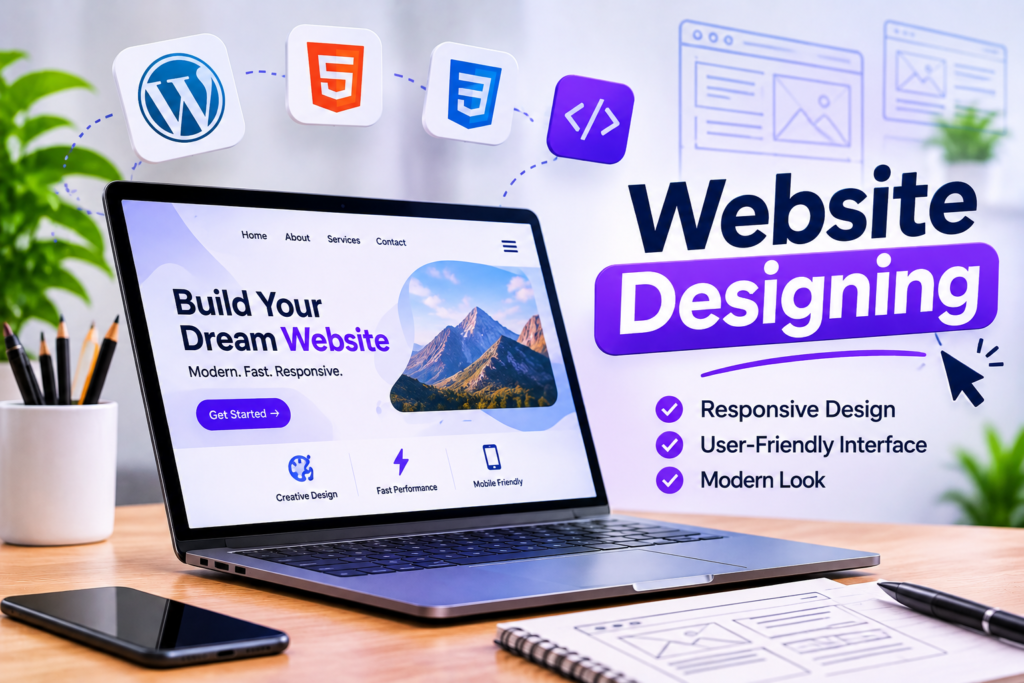
Learn to design and develop modern, responsive and user-friendly websites with practical website designing training at HiDM. Master HTML, CSS, JavaScript, WordPress, Elementor and UI/UX fundamentals to build professional websites and develop industry-relevant skills.
- Practical Website Designing Training
WordPress & Elementor
- HTML, CSS & JavaScript
- Responsive Website Development
Why Learn Website Designing at HiDM?
Expert faculty
Learn from industry experts
Live Project Training
Work on Real Websites
Career Support
Internship & Placement Assistance
Industry Certification
Get Certified by HiDM
LEARN FROM THE EXPERTS
Get Trained by Industry Experts
Learn practical SEO strategies with expert guidance, industry insights and hands-on learning. Build the skills and confidence needed to grow in the digital marketing industry.
Er. Manmohan Singla
B.Tech | M.Tech ( CSE ) | MBA – Marketing & LS | Ph.D – CSE ( Research In AI ) Pursuing
Ex MSP – Microsoft | Google Certified | Harvard Business Management Certified
Digital Marketing Coach & Trainer
Talk to our Mentor
Complete Website Designing Course Syllabus
Explore the essential concepts of website designing, from understanding web technologies and designing layouts to developing responsive websites and managing WordPress projects.
Understand the fundamentals of website designing and how websites work on the internet. Explore different types of websites, website structures, domains, hosting and web browsers. Learn about the role of web designers and understand the complete process of planning and creating a professional website.
Learn the fundamentals of HTML and understand how web pages are structured. Explore headings, paragraphs, links, images, lists, tables, forms and semantic elements. Understand how to organize website content using HTML tags and create the basic structure of professional web pages.
Learn how to style and design attractive web pages using CSS. Explore colours, fonts, backgrounds, borders, spacing, margins, padding and layouts. Understand selectors, positioning, Flexbox and CSS Grid to create visually appealing website designs with organized layouts and consistent styling.
Understand how to create websites that work smoothly across desktops, tablets and mobile devices. Learn responsive layouts, media queries, flexible grids, image optimization and mobile-friendly design techniques. Explore how to adjust website elements according to different screen sizes for a better user experience.
Learn the basics of JavaScript and understand how it makes websites interactive and dynamic. Explore variables, functions, events, conditions, loops and DOM manipulation. Understand how JavaScript can be used to create interactive elements, validate forms and improve website functionality.
Understand the principles of User Interface (UI) and User Experience (UX) design. Learn about website navigation, visual hierarchy, typography, colour combinations, spacing and user-friendly layouts. Explore how to design websites that are attractive, easy to navigate and focused on user requirements.
Learn how to create and manage websites using WordPress, one of the widely used content management systems. Explore WordPress installation, dashboard settings, themes, plugins, pages, posts, menus and website customization. Understand how to manage website content without requiring extensive coding knowledge.
Discover how to design professional websites using the Elementor page builder. Learn to create page layouts, sections, containers, headers, footers, buttons, image galleries and forms. Understand responsive settings, styling options and website customization to build attractive pages using a visual editing approach.
Understand the process of making a website accessible on the internet. Learn about domain registration, hosting services, server basics, SSL certificates and website installation. Explore how to connect domains, manage hosting accounts and understand the essential steps involved in launching a website.
Learn the basic SEO practices required to improve website visibility and performance. Understand SEO-friendly URLs, page titles, meta descriptions, heading structure, image alt text, internal linking and website speed optimization. Explore how website designing and search engine optimization work together to create search-friendly websites.
Understand the importance of website security, regular updates and maintenance. Learn about SSL certificates, backups, plugin updates, secure login practices and basic troubleshooting. Explore how to maintain website performance, protect website data and keep websites functional over time.
Apply your website designing knowledge by working on practical website development projects. Learn to plan website structures, create page layouts, customize designs, add content and test website responsiveness. Understand the complete workflow of building and launching a professional website.
Work with Industry-Leading Website Designing Tools
Explore professional tools and platforms that help you design, develop, customize and manage modern websites.
WordPress
Adobe Photoshop
Figma
Canva
Google Fonts
HTML5
Google pagespeed insights
GTmetrix
Github


LEARN BY DOING
Learn Website Designing Through Real-World Projects
Move beyond theoretical concepts and develop practical website designing skills through hands-on projects and assignments. Learn to create website layouts, customize WordPress pages, design responsive interfaces and work with professional website designing tools. Gain experience in developing websites that combine attractive designs, smooth navigation and functional elements.
HTML & CSS Website Development
Create structured web pages using HTML and CSS. Practice designing layouts, styling content, adding images and developing visually appealing website sections.
Responsive Website Designing
Learn to optimize website layouts for desktop, tablet and mobile devices. Practice responsive settings and create websites that provide a consistent experience across screen sizes.
WordPress Website Creation
Build websites using WordPress by managing themes, plugins, pages, menus and website settings. Understand how to customize and manage a complete website.
Elementor Page Designing
Design professional website pages using Elementor. Practice creating headers, footers, landing pages, image sections, buttons, forms and customized layouts.
UI/UX & Website Layout Designing
Create user-friendly website layouts by applying typography, colour combinations, visual hierarchy, spacing and navigation principles.
Live Website Development Project
Work on a complete website project, from planning and designing pages to customization, responsiveness testing and website launch.
YOUR JOURNEY STARTS HERE
Your Learning Path to Becoming a Professional Website Designer
Follow a structured learning journey to develop creative and technical website designing skills. Start with web fundamentals, master modern designing tools and apply your knowledge through practical website development projects.
01
Learn Web Designing Fundamentals
Understand website structures, HTML, CSS and the basics of how websites work. Develop a strong foundation in web technologies, layouts and styling techniques.
02
Master Website Designing Tools
Learn JavaScript fundamentals, responsive design, UI/UX principles, WordPress and Elementor. Explore professional tools to design and customize modern websites.
03
Practice with Live Projects
Apply your knowledge by creating website pages, designing responsive layouts and developing complete WordPress websites. Gain practical experience through real-world assignments.
04
Test & Build Your Expertise
Evaluate your website designing knowledge through practice tests and projects. Improve your designing skills, understand website optimization and prepare for professional opportunities.
Explore Career Opportunities After Website Designing Training
Website designing skills can help you explore career opportunities across web development companies, digital marketing agencies, startups and freelance projects. Build the ability to create, customize and manage websites for different business requirements.
Web Designer
Design attractive and user-friendly website layouts for businesses and individuals.
WordPress Developer
Create, customize and manage websites using WordPress themes, plugins and page builders.
Frontend Developer
Develop the visual and interactive parts of websites using HTML, CSS and JavaScript.
UI/UX Designer
Design user-friendly interfaces and improve website navigation and user experiences.
Website Maintenance Executive
Manage website updates, content changes, backups and basic troubleshooting.
Freelance Web Designer
Offer website designing and development services to clients and businesses.
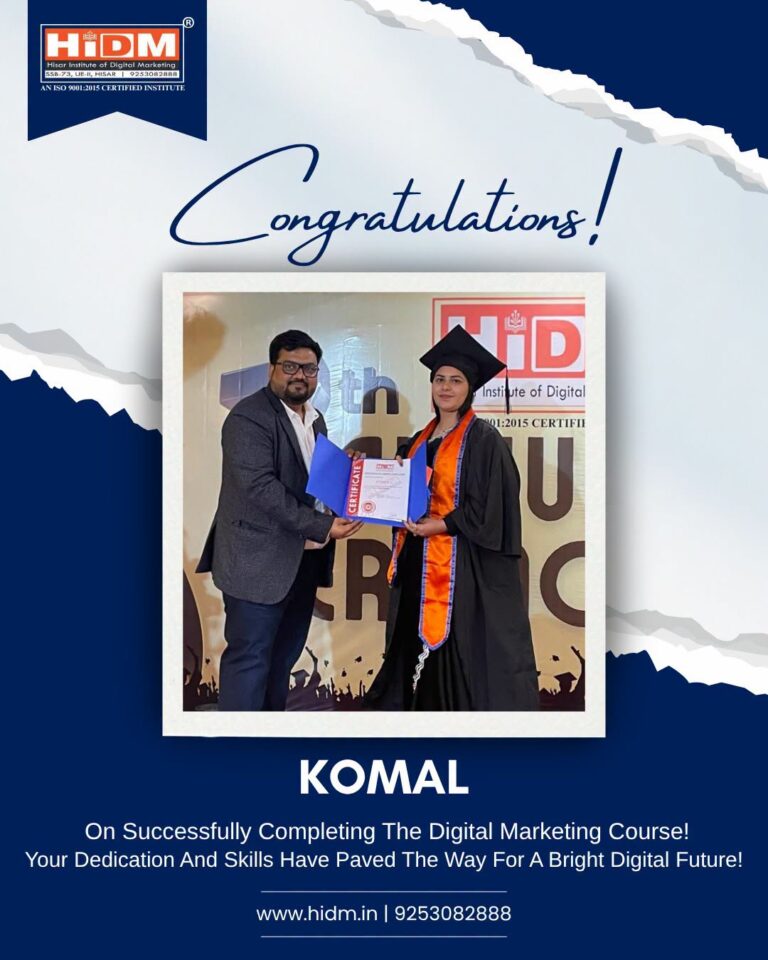
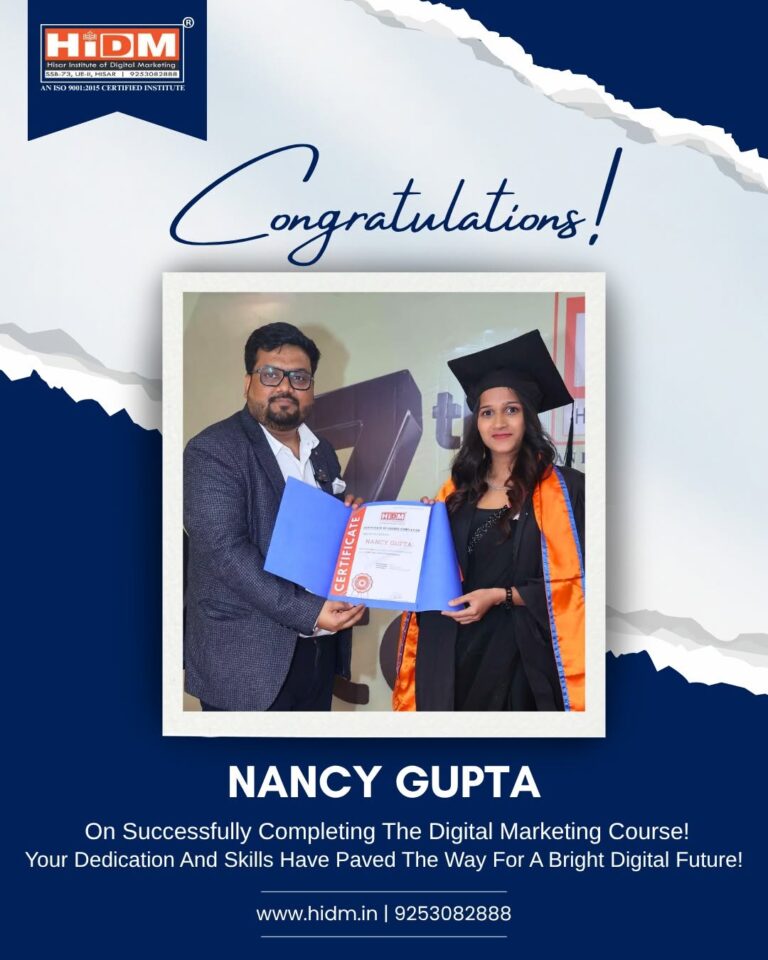
Student Success Stories
Discover how HiDM students learn practical SEO skills, work on live projects and build confidence for their digital marketing careers.
REAL STUDENT EXPERIENCES
Hear From Our Students
Discover how HiDM students develop practical digital marketing skills, work on live projects and take confident steps towards their careers.
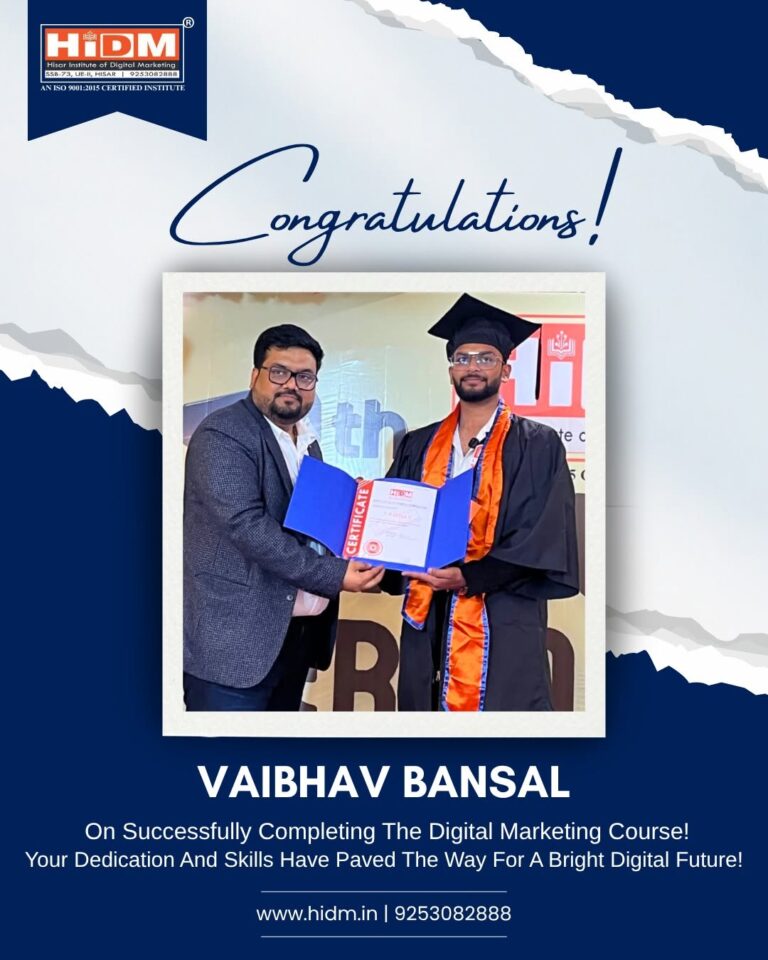
Vaibhav Bansal
HiDM is unique because of its experiential learning methodology. We created campaigns, produced content, and conducted data analysis in addition to simply learning from slides. The teacher is really professional and committed. Every session was delightful because of the welcoming learning environment.
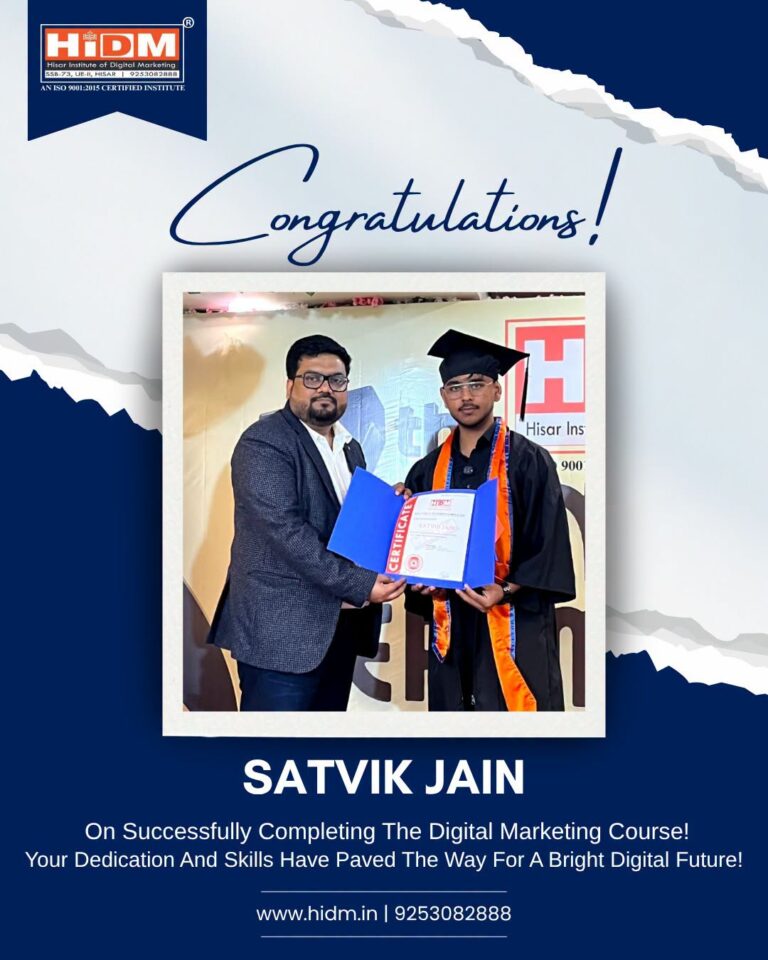
Satvik Jain
I appreciated the one-on-one support provided by the HiDM team. They ensured we understood every concept deeply. From building landing pages to creating Google ads, everything was taught practically. I felt confident and job-ready by the end of the course. It’s the best investment in my career.

Pratibha Jain
My experience at HiDM is extremely great. The friendly atmosphere provided here helps to build a strong bond between teacher and students.
Under Manmohan Sir’s guidance, I unleash a hidden skill of mine i.e. content writing. I am highly thankful to him for providing digital marketing course in Hisar.

SMART LEARNING WITH HiDM
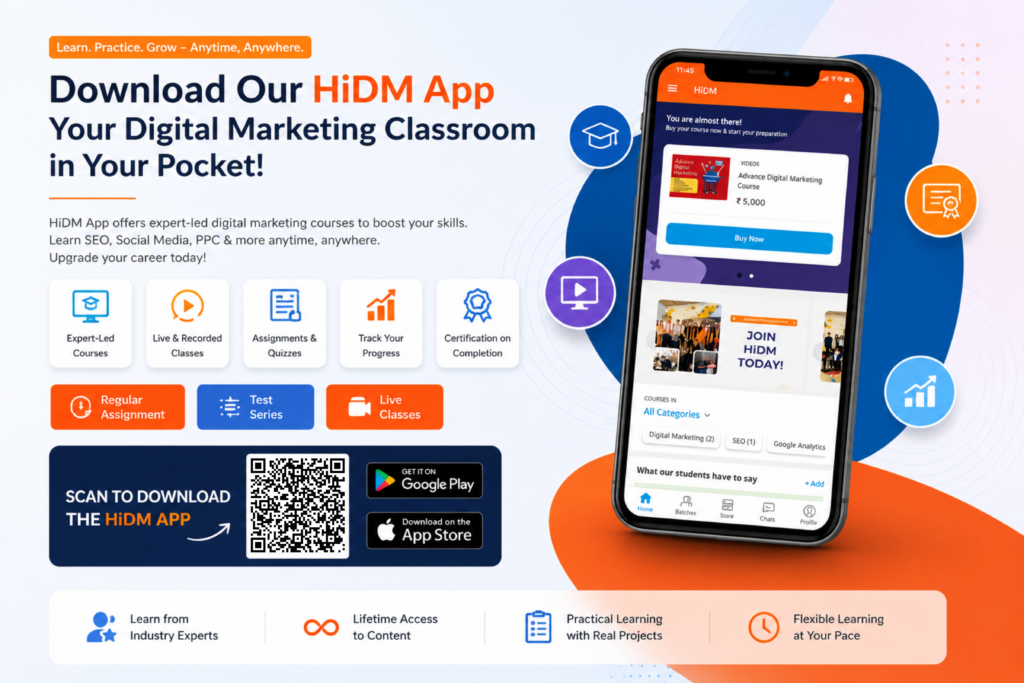
Learn Beyond the Classroom with HiDM Online App
Continue your learning journey beyond classroom sessions with HiDM’s online learning app. Access learning resources, strengthen your concepts and practice at your own pace.
Learn Anytime, Anywhere
Access Online Learning Resources
Practice with Test Series
Improve Your Knowledge & Confidence
TEST YOUR WEBSITE DESIGNING KNOWLEDGE
Practice, Test & Master Your website Desiging Skills
Evaluate your website designing knowledge through topic-wise assessments and practice tests. Strengthen your understanding of web technologies, improve your designing concepts and build confidence in creating professional websites.
HTML & CSS Fundamentals Test
Test your understanding of HTML tags, web page structure, CSS properties, selectors, styling and website layouts.
JavaScript & Responsive Design Test
Practice questions on JavaScript fundamentals, functions, events, DOM concepts, media queries and responsive website designing.
WordPress & Elementor Test
Evaluate your knowledge of WordPress installation, themes, plugins, pages, Elementor widgets, containers and website customization.
UI/UX & Website Development Test
Test your understanding of website layouts, typography, colour theory, navigation, user experience and website development practices.
WEBSITE DESIGNING TEST SERIES
Test Your Website Designing with HiDM
Enhance your website designing skills with structured practice tests covering HTML, CSS, JavaScript, WordPress, Elementor and UI/UX design. Test your knowledge, strengthen important concepts and improve your understanding of modern website designing and development techniques.
- HTML & CSS Fundamentals Test
- JavaScript & Responsive Design Test
- WordPress & Elementor Test
- UI/UX & Website Development Test
START YOUR JOURNEY
Take the First Step Towards Your Digital Marketing Career!
Join HiDM and gain practical digital marketing skills through expert guidance, live projects and industry-focused training.
ADMISSION ENQUIRY
Get Course Details & Start Your Learning Journey
Fill in your details and our admission team will help you with course information and batch details.
Frequently Asked Questions
Website Designing is the process of planning and creating the visual layout, structure and user experience of a website. It involves designing web pages, selecting colours and fonts, organizing content and making websites responsive across different devices.
You will learn HTML, CSS, JavaScript fundamentals, responsive website designing, UI/UX principles, WordPress, Elementor, domain and hosting management, website optimization and practical website development.
Yes, beginners can join the course without prior coding or website development experience. The training starts with basic web designing concepts and gradually introduces advanced tools and practical website development techniques.
Prior coding knowledge is not necessary to start learning website designing. However, understanding HTML, CSS and JavaScript can help you customize websites, understand layouts and develop stronger technical skills.
Yes, you will learn how to design websites that adapt to desktops, tablets and mobile devices. The course covers responsive layouts and techniques to improve website usability across different screen sizes.
You will explore tools and platforms such as WordPress, Elementor, HTML, CSS, JavaScript, Figma, Canva, Adobe Photoshop, Chrome DevTools and Google PageSpeed Insights.
STUDENT’s TESTIMONIALS