SEMINAR ON CAPCUT VIDEO EDITING TOOL

About the Seminar

Video editing has become an essential skill for content creators, marketers, freelancers, and businesses. This seminar is designed to help beginners understand the fundamentals of video editing using CapCut while exploring its powerful AI tools and professional editing features.

Whether you want to create Instagram Reels, YouTube videos, or promotional content, this session will provide practical knowledge and hands-on guidance to get you started.

Introduction to Video editing

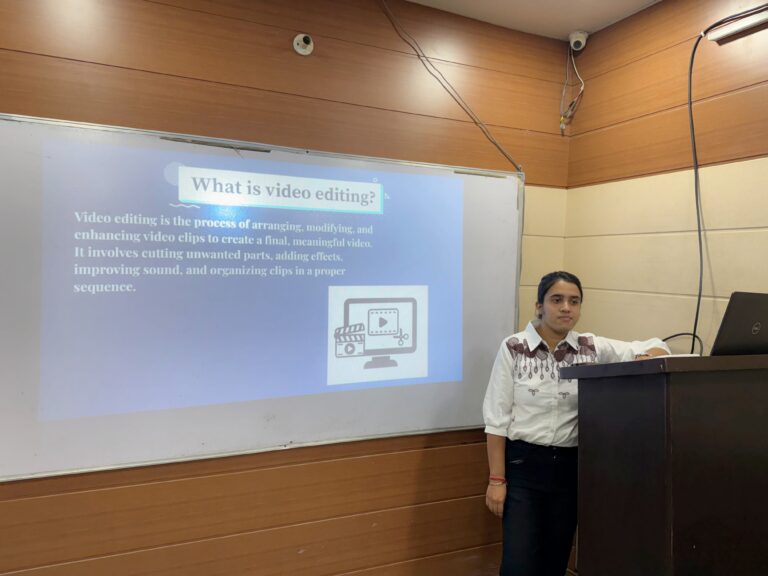
Video editing is the process of arranging, modifying, and enhancing video clips to create a final, meaningful video. It involves cutting unwanted parts, adding effects, improving sound, and organizing clips in a proper sequence.

Importance of video editing

1.Enhances Video Quality

Video editing helps improve the overall quality of a video by removing unwanted parts, adjusting brightness, adding effects, and improving sound quality.

2.Makes Content More Engaging

By adding transitions, music, animations, and text, video editing keeps viewers interested and entertained. Creative editing helps capture the audience’s attention quickly.

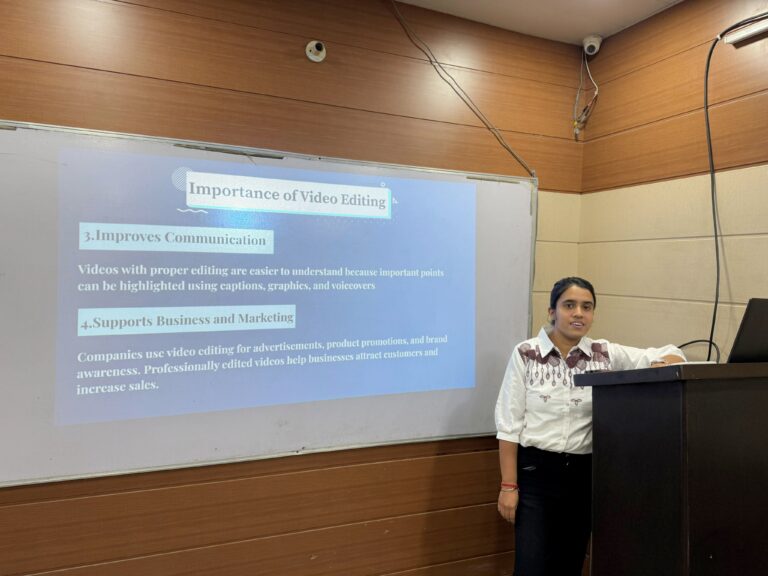
3.Improves Communication

Videos with proper editing are easier to understand because important points can be highlighted using captions, graphics, and voiceovers.

4.Supports Business and Marketing

Companies use video editing for advertisements, product promotions, and brand awareness. Professionally edited videos help businesses attract customers and increase sales.

Types of Video editing

1.Linear Video Editing

Linear editing is the traditional method where clips are edited in sequence, one after another. Changes can only be made in order.

2.Non - Linear Video Editing

Non-linear editing allows editors to edit any part of the video at any time without changing the original footage.

3.Online Video Editing

This is the final editing process where high-quality effects, sound, and color correction are added without installing software.

4.Montage Video Editing

Montage editing combines multiple clips with music and effects to show different moments quickly. 

5.Special Effects Editing

This type of editing adds visual effects such as animations, explosions, or background changes to create dramatic scenes.

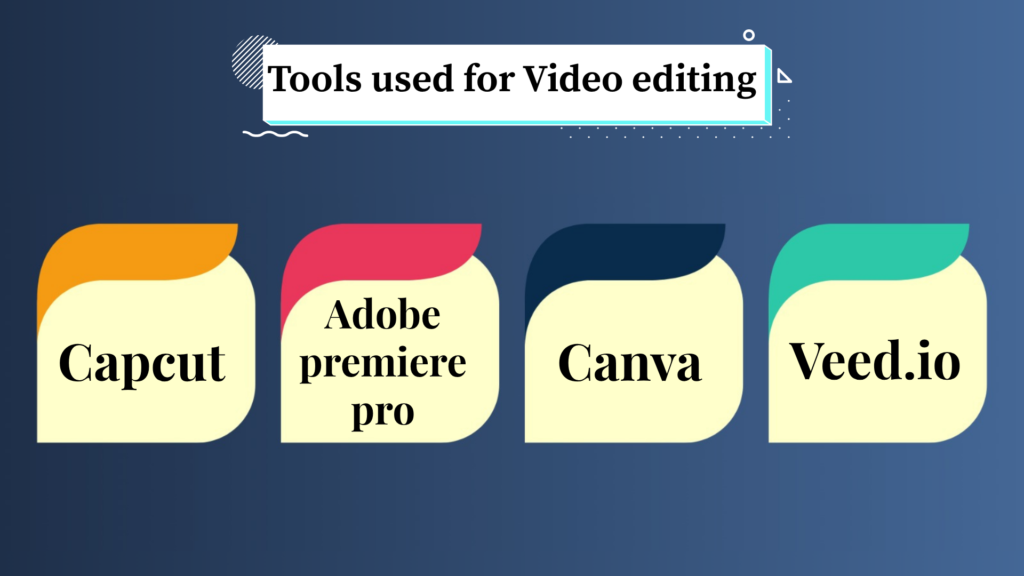
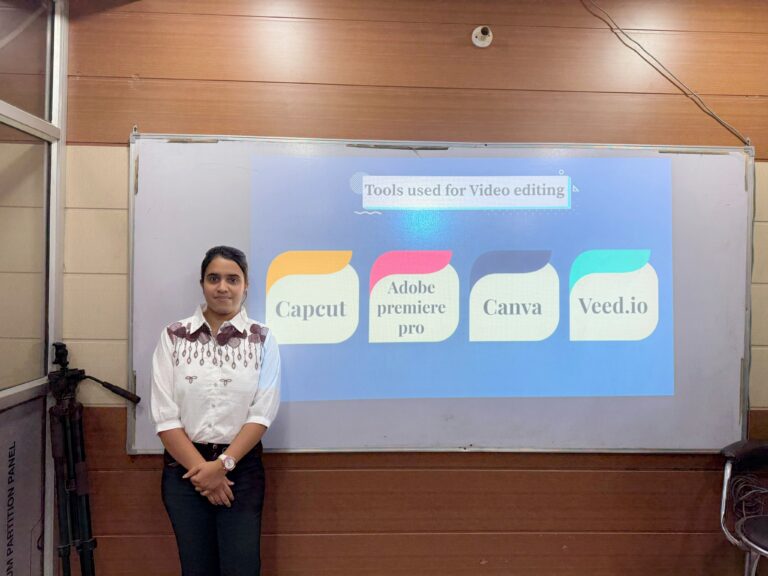
Tools used for video editing

Video editing tools interface with timeline, effects, and media panel

1.Capcut

CapCut video editing app logo

CapCut is a free and user-friendly video editing app mainly used for creating reels, shorts, and social media videos. It offers filters, transitions, text animations, auto captions, and AI tools.

2.Adobe Premiere Pro

Adobe Premiere Pro video editing software logo

Adobe Premiere Pro is professional video editing software widely used in films, YouTube videos, and advertisements. It provides advanced editing, color grading, and audio tools.

3.Canva

Canva graphic design platform logo

Canva also provides simple video editing features with ready-made templates, text, and animations.

4.Veed.io

VEED.IO online video editing platform logo

A fast, drag-and-drop online editor VEED.io built for auto-generating subtitles, removing background noise, and in-app webcam recording.

Introduction to Capcut

CapCut is a modern and powerful video editing application that helps users create attractive and professional videos easily. CapCut provides a wide range of editing tools that make video creation simple and creative. Users can trim clips, add transitions, apply filters, insert text, add background music, and use visual effects to improve video quality. Today, video content is growing rapidly on digital platforms, and CapCut has become an important tool for creating engaging and high-quality content. It saves time, increases creativity, and helps users produce professional-looking videos for entertainment, education, and business purposes.

Developer of Capcut

CapCut was developed by ByteDance, a Chinese technology company known for creating popular digital platforms and applications. ByteDance was founded in 2012 by Zhang Yiming.

In 2020, ByteDance launched the application internationally under the name “CapCut.” The global release coincided with the rapid growth of short-form video content, creating an ideal opportunity for CapCut to attract creators.

Seminar Gallery

Features of Capcut

1.User-Friendly Interface

CapCut has a simple and easy-to-use interface that allows users to edit videos without technical knowledge. All tools are well organized and easy to access.

2.Video Trimming and Splitting

Users can cut unwanted parts of videos, split clips into sections, and arrange them in the correct sequence.

3.Filters and Effects

CapCut offers many filters and visual effects to improve video appearance and create cinematic looks.

4.Background Removal

CapCut can remove or change video backgrounds using AI tools and green screen features.

Basic Editing Tools

1. Trim Tool

The trim tool is used to remove unwanted parts from the beginning or end of a video clip.

2. Split Tool

The split tool divides a video into different sections so that clips can be edited separately.

3.Crop Tool

The crop tool removes unnecessary areas from a video frame and adjusts the screen size.

4. Filter Tool

Filters improve the appearance and mood of videos by changing colors and lighting.

5.Text Tool

The text tool adds titles, subtitles, captions, and animated text to videos.

6.Audio Tool

This tool helps users add background music, sound effects, and voiceovers.

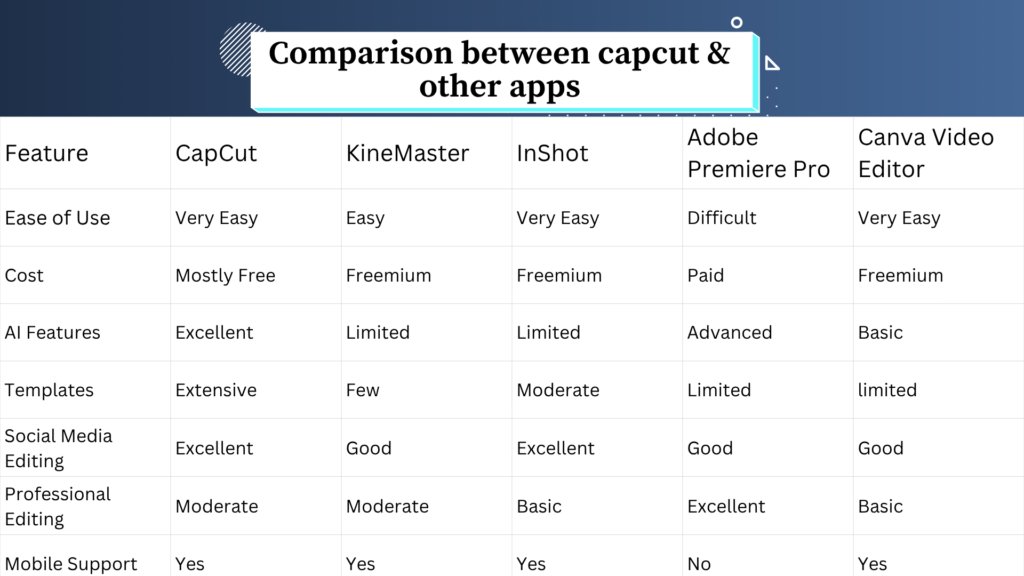
Comparison between Capcut & other apps

Comparison of popular video editing tools for beginners and professionals

AI Features in Capcut

1.AI Voice Effects

CapCut provides AI voice filters and sound enhancement tools that change or improve voice quality.

Uses:

  • Adds creative voice styles
  • Reduces background noise
  • Makes audio clearer

2.Auto Beat Sync

This feature automatically matches video clips with the beat of background music.

Uses:

  • Makes videos more attractive
  • Saves editing time
  • Improves rhythm and flow.

3.Text-To-Speech

This feature converts written text into spoken audio automatically.

Uses:

  • Creates narration without recording voice
  • Useful for tutorials and presentations.

4.AI Portrait Enhancement

AI automatically improves facial appearance, brightness, and skin tone in videos.

Uses:

  • Enhances portrait videos
  • Makes videos look professional.

5.AI Motion Tracking

This feature automatically tracks moving objects or people in a video and attaches text, stickers, or effects to them.

Uses:

  • Makes videos interactive
  • Creates dynamic effects.

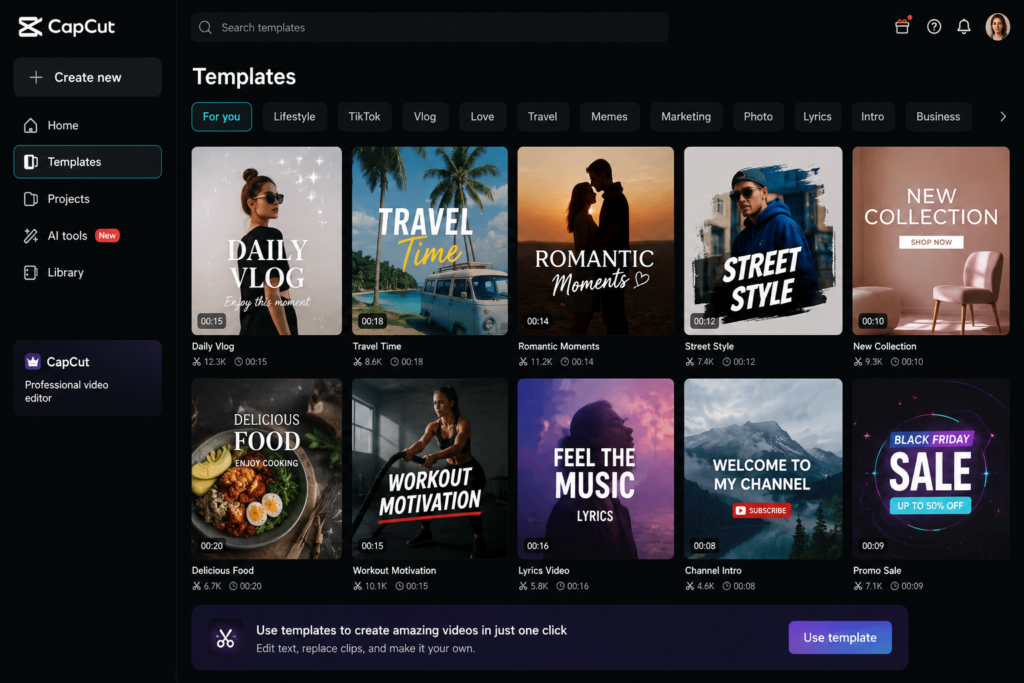
Capcut Templates

Capcut templates are pre-designed video formats that already include effects, transitions, music, text, and animations. Users only need to add their photos or video clips to create stylish videos instantly.

CapCut templates for creating social media videos

Features of Capcut templates

1.High-Quality Output

Templates help generate professional-quality videos with proper effects and editing styles.

2.Easy Customization

Users can edit text, music, filters, and clips according to their needs.

3.Trending Effects and Music

Templates include trending social media effects, filters, and songs.

4.One-Click Editing

Templates allow users to create videos quickly with a single click.

Advantages of Capcut

1.User-Friendly Interface

All editing tools are well organized, making it easy for beginners to learn video editing quickly.

2.Professional Editing Features

Capcut offers advanced editing tools like effects, transitions, speed control, and animations.

3.AI-Powered Features

Capcut includes AI tools such as auto captions, background removal, and beat synchronization.

4.Supports Social Media Content

CapCut is specially designed for platforms like Instagram and YouTube Shorts.

5.Audio Editing and Voice Over

CapCut provides tools for adding music, sound effects, and voice recordings.

Limitations of Capcut

1.Limited Advanced Editing Features

CapCut does not provide some advanced tools available in professional software.

2.Watermark in Some Templates

Certain templates or exported videos may include a watermark.This can reduce the professional appearance of videos.

3.Limited for Long Video Projects

Capcut is mainly designed for short-form content like reels and shorts.It may not be suitable for editing long movies or large professional projects.

4.Limited Customization in Templates

Templates are easy to use but may not allow complete editing freedom.Users may face restrictions while modifying certain template elements.

5.Storage Consumption

High-quality video projects and exported files can consume large storage space on devices. Large files may slow down device performance.

Future Scope of Video Editing

1.Growing Demand for Digital Content

Digital platforms are increasing rapidly, and people prefer video content over text and images. Businesses, influencers, and educators need video editors to create engaging content.

2.Rise of Social Media Platforms

Social media platforms depend heavily on video content. Short-form videos have become one of the most popular forms of communication and entertainment.

3.Career Opportunities

Video editing offers many job opportunities in media and entertainment industries. Skilled video editors are required in films, advertising, television, and social media marketing.

4.Freelancing and Online Work Opportunities

Many video editors work independently through online platforms.Freelancing allows editors to work with clients worldwide.

Tricks of Video editing

1.Zoom in and Zoom out

By pressing ctrl + (+) the video clip will be zoom in and

by pressing Ctrl + ( -) the video clip will be zoom out.

2.Splitting the video clip

By pressing Ctrl + B the video clip will be splited.

3.Trimming the clip

By pressing the W and Q keys the trimming of the videos is done.

4.Open the new project

By pressing the Ctrl + N the new project will open.

Conclusion

Video editing offers many job opportunities in media and entertainment industries. Skilled video editors are required in films, advertising, television, and social media marketing.video editing is not only a valuable technical skill but also a powerful creative tool that plays a significant role in today’s digital world. Learning video editing and tools like CapCut can open doors to numerous career opportunities and help individuals express their creativity effectively.