A Practical Seminar on VN Video Editor by Goutam Khurana
About the Seminar
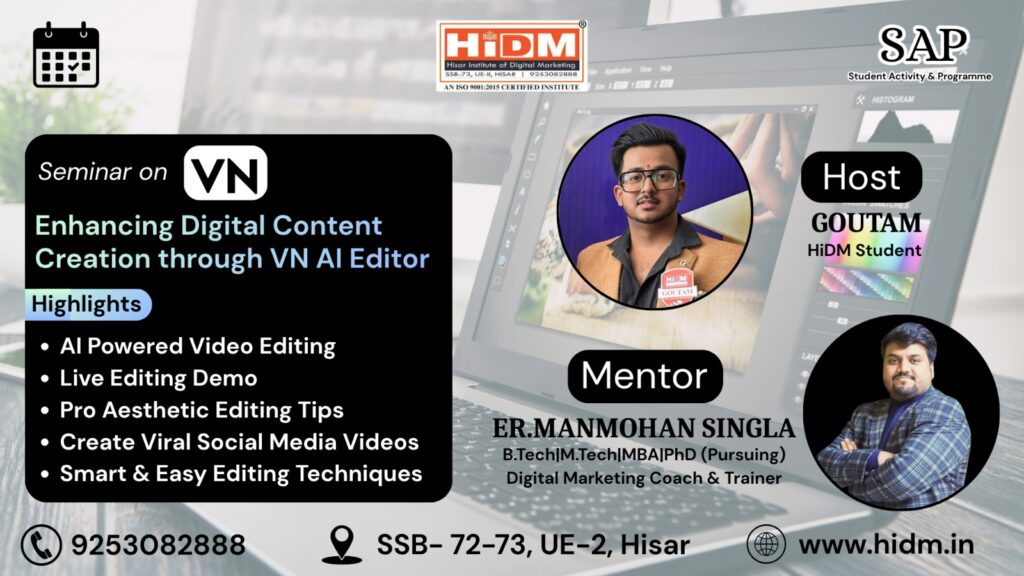
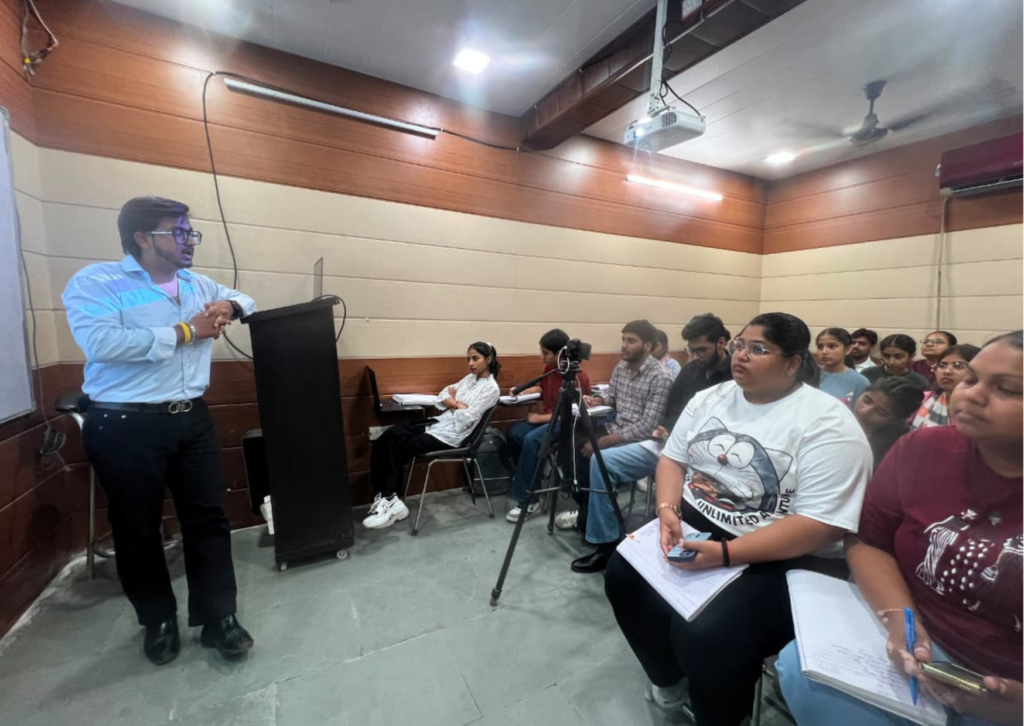
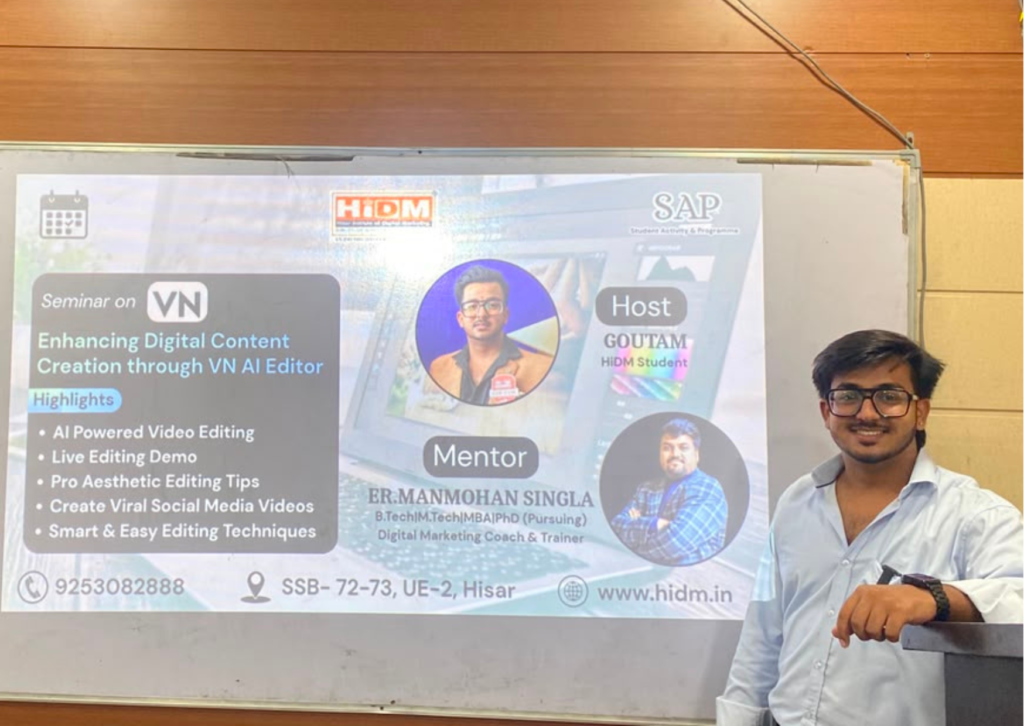
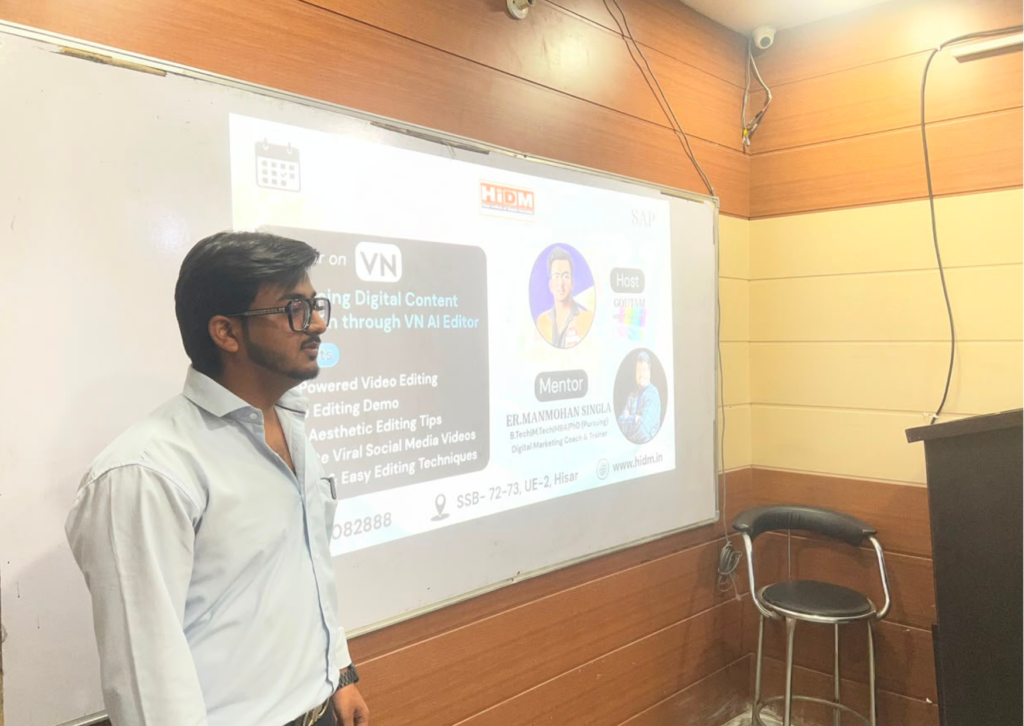
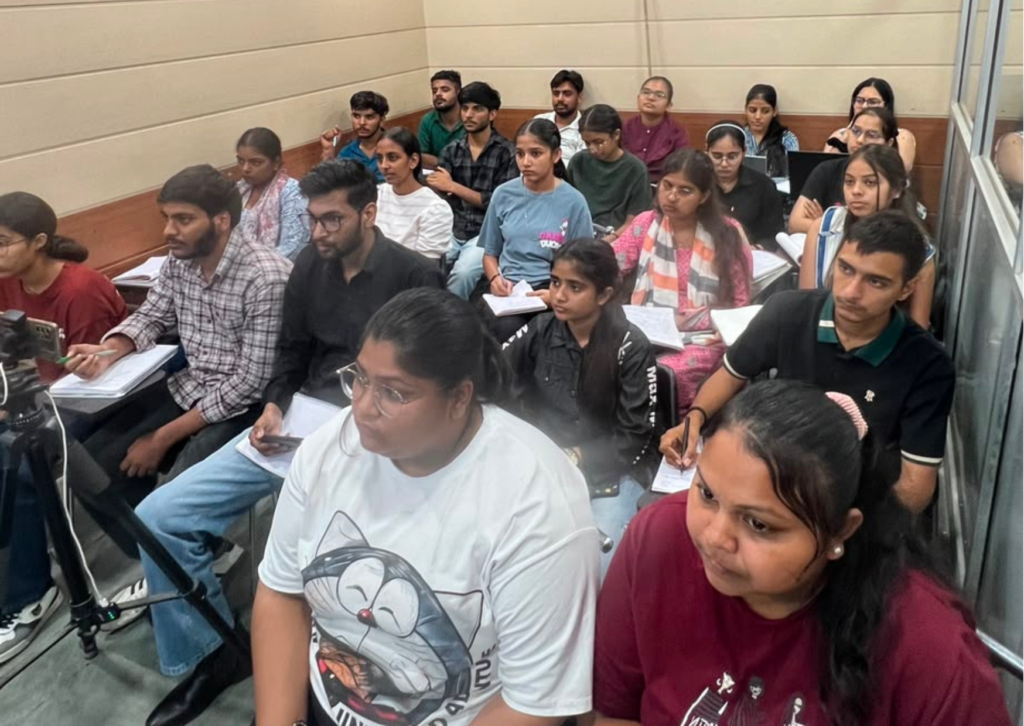
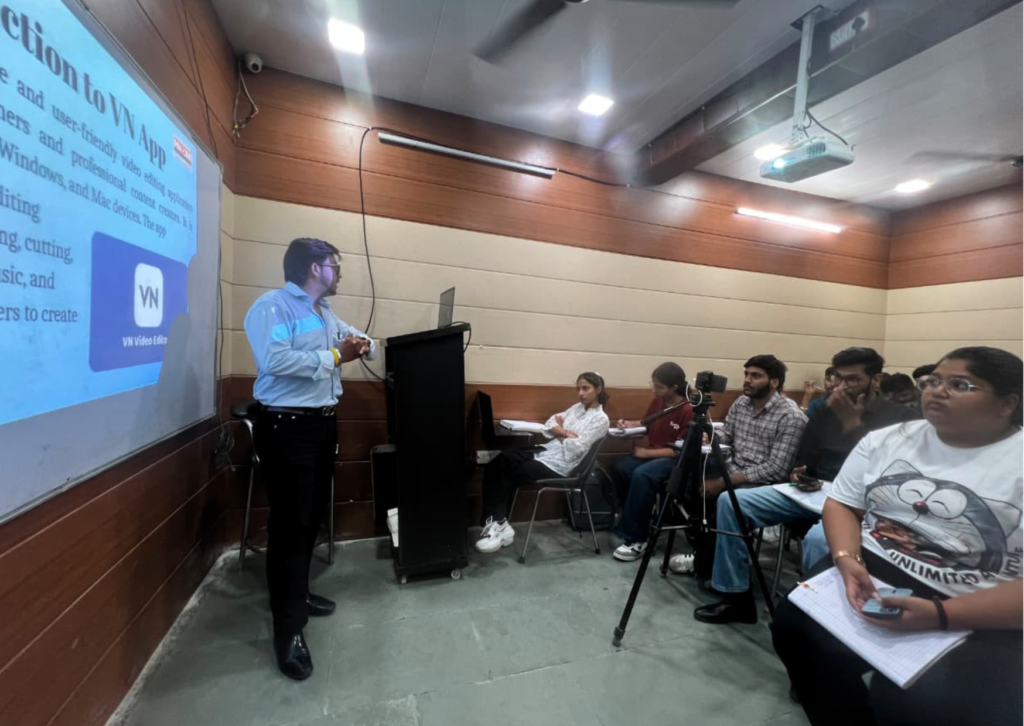
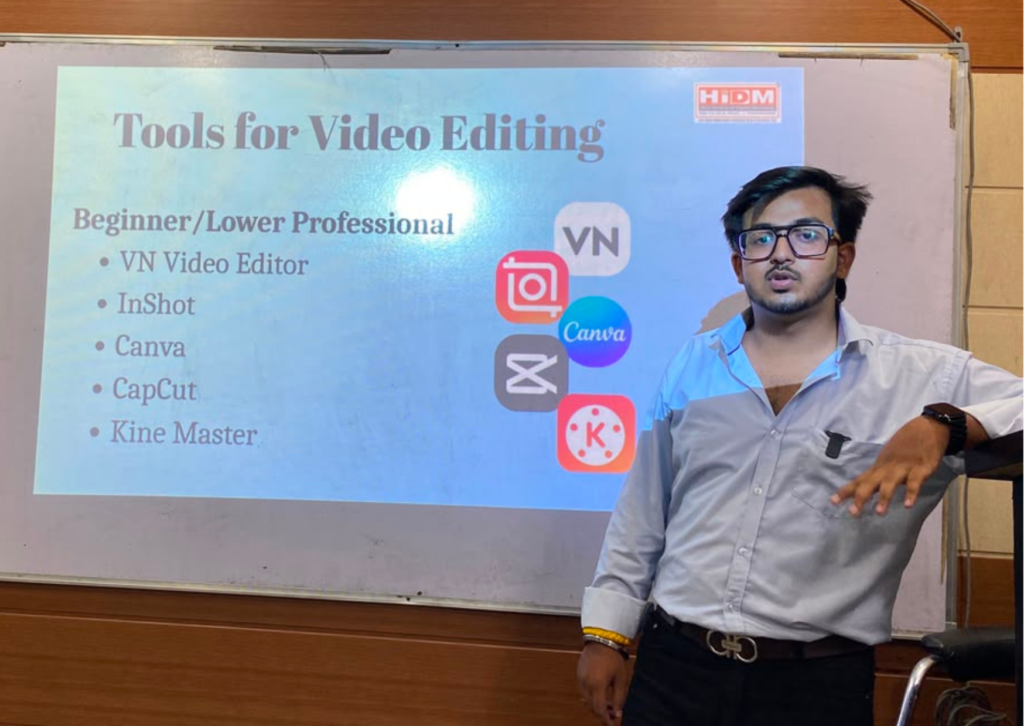
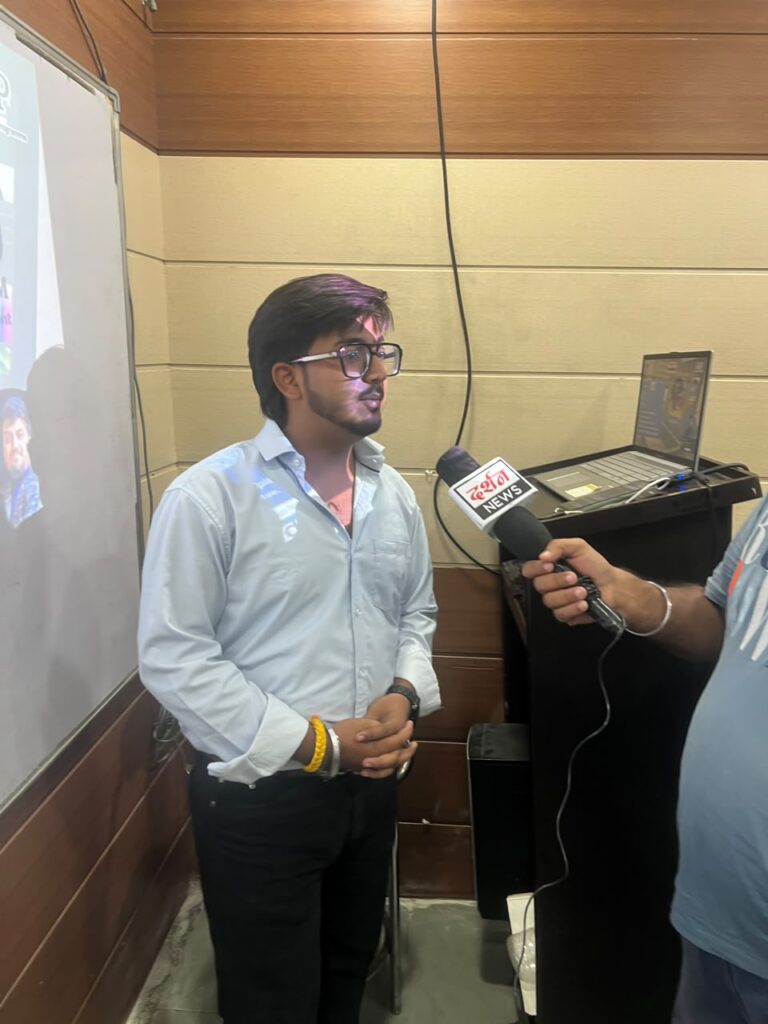
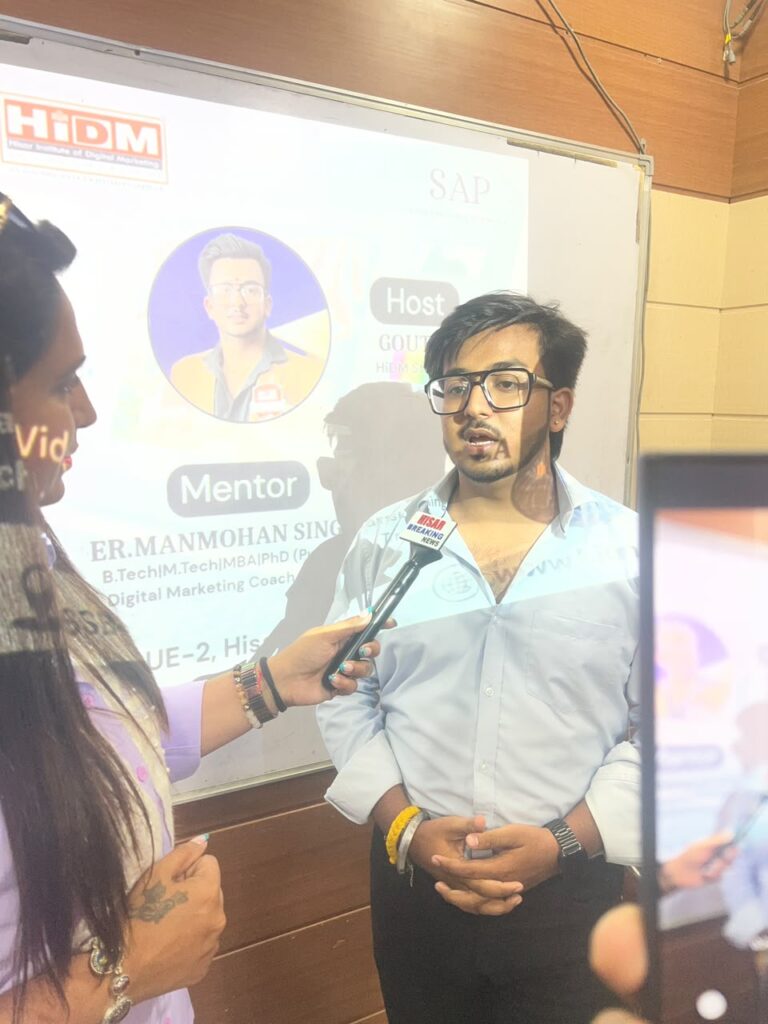
HiDM (Hisar Institute of Digital Marketing) successfully organized an educational seminar on VN Video Editor, presented by Goutam Khurana. During the session, students were introduced to modern video editing techniques and learned how beginners can create professional-quality videos using the VN Video Editor application. Furthermore, the seminar provided practical insights into industry-standard editing workflows, making the learning experience both engaging and informative.
In addition, participants explored the fundamentals of video editing, the importance of storytelling, and practical editing techniques. They also learned about VN templates and their benefits for creating professional-looking videos quickly. Moreover, the seminar showcased real-world applications of video editing for social media platforms such as Instagram, YouTube, and Facebook. As a result, students gained valuable knowledge and practical skills to create engaging digital content with confidence.
About the Speaker
Goutam Khurana
Digital Marketing Student HiDM – Hisar Institute of Digital Marketing
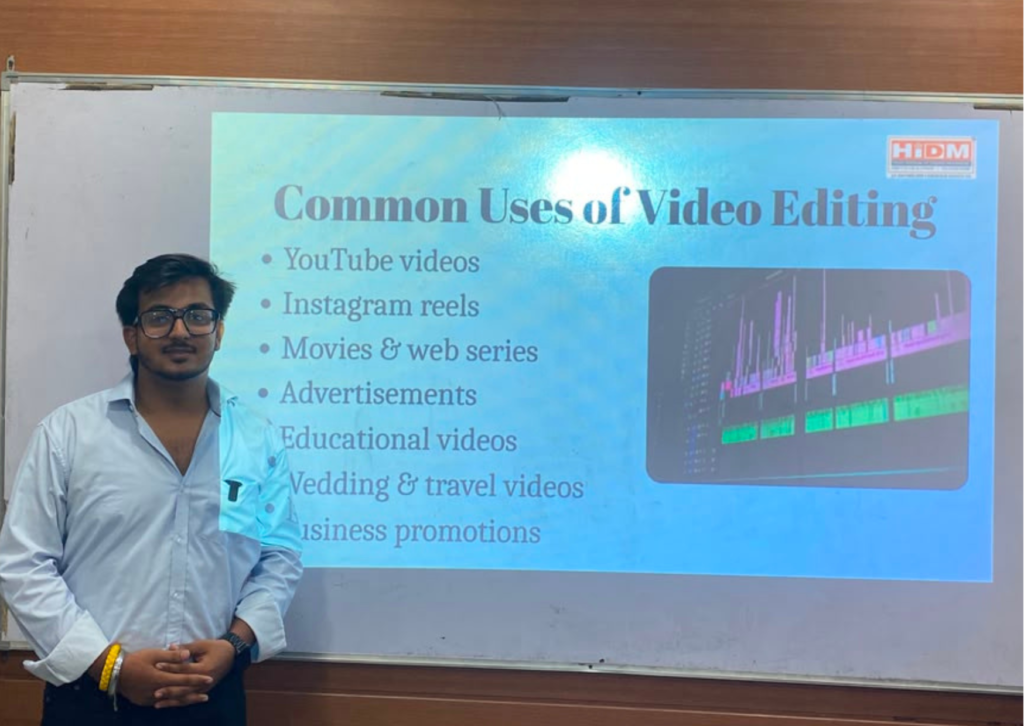
Goutam Khurana conducted this seminar to help students understand the fundamentals of professional video editing and how to create engaging content using VN Video Editor. The seminar included practical demonstrations, editing tips, and real-world use cases to help beginners start their content creation journey confidently.
Seminar Highlights
Introduction to Video Editing
Importance of Editing
Professional Editing Workflow
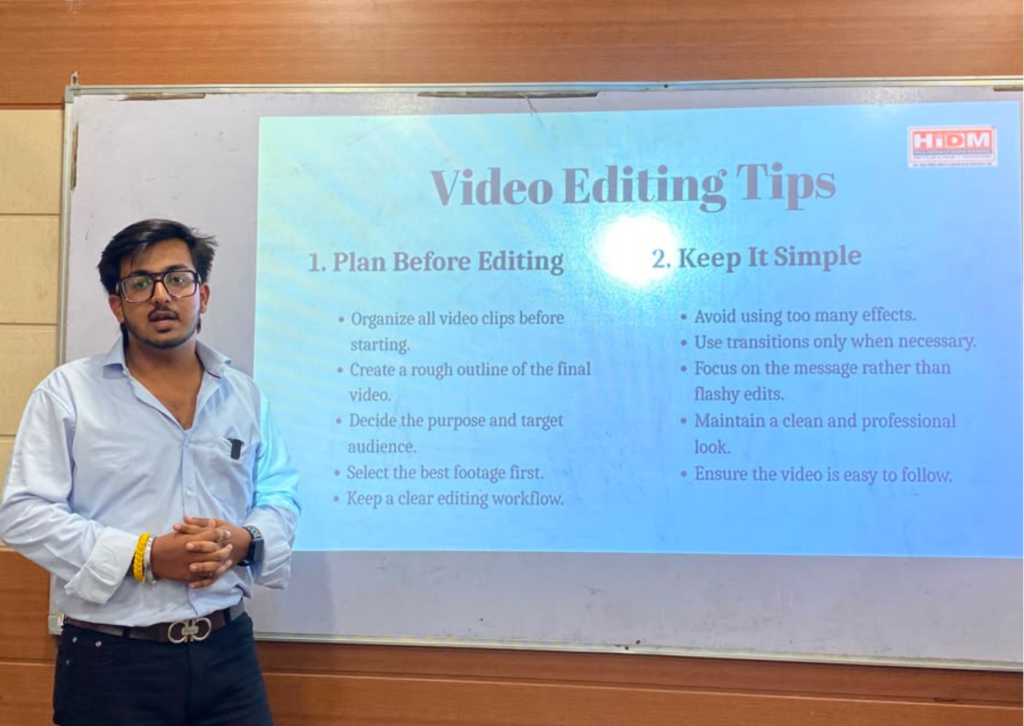
Video Editing Tips
Common Beginner Challenges
Popular Editing Software
VN Video Editor Introduction
VN Templates
Practical Editing Demonstration
Social Media Video Creation
Q&A Session
What is Video Editing?
Video editing is the process of arranging, trimming, improving, and enhancing video clips to create engaging content. It not only involves cutting and organizing footage but also includes adding music, smooth transitions, text, visual effects, and animations. In addition, it focuses on improving overall audio and video quality to deliver a polished and professional final product. As a result, well-edited videos capture viewers’ attention, communicate messages more effectively, and create a lasting impact across digital platforms.
Why Video Editing Matters
Students learned how editing helps:
Improve video quality
Create attractive content
Increase engagement
Improve storytelling
Build audience trust
Professional Video Editing Tips
Plan before editing
Organize footage
Keep edits clean
Use smooth transitions
Improve audio quality
Maintain proper timing
Apply color correction
Role of Editing in Modern Content Creation
Video editing plays a major role in today’s digital world. In fact, it helps creators transform raw footage into attractive, engaging, and professional content for various platforms such as YouTube, Instagram, television, and websites. During the editing process, unnecessary parts can be removed, visual effects and smooth transitions can be added, and audio can be enhanced to improve the overall viewing experience. As a result, the final video becomes more polished, visually appealing, and impactful.
Moreover, effective video editing helps communicate messages clearly, capture audience attention, and increase viewer engagement. In addition, it strengthens storytelling and enhances the overall quality of digital content. Therefore, video editing has become an essential step in creating high-quality content that meets modern digital media standards and audience expectations.
Experience the Seminar Through Pictures
Video Editing Tips
Plan Before Editing.
Keep It Simple.
Use Smooth Transitions.
Improve Audio Quality.
Pay Attention to Timing.
Use Color Correction
Challenges Beginners Face
Learning Complex Software.
Organizing Video Files.
Creating Smooth Transitions
Audio EditingProblems
Introduction to VN Video Editor
VN Video Editor is a free, beginner-friendly application that offers professional editing features such as multi-track timelines, transitions, filters, music, templates, and HD exports, making it ideal for content creators and students.
Students learned how to create:
Instagram Reels
YouTube Shorts
Promotional Videos
Travel Vlogs
Wedding Highlights
Business Videos
Key Features of VN
User-Friendly Interface
Multi-Track Timeline
VN Templates
Transitions and Effects
Text and Titles
Audio Editing
Speed Control
What are VN Templates?
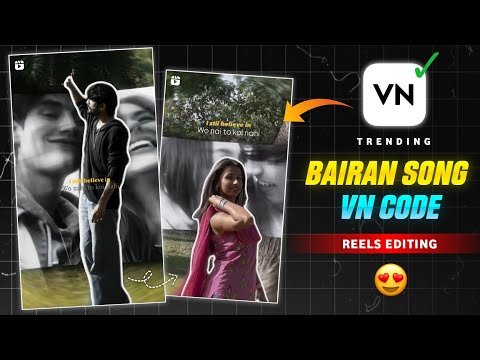
VN Templates are ready-made video editing designs that include effects, transitions, text animations, and music. With these templates, users only need to add their photos or video clips, after which the template automatically creates a professional-looking video. As a result, even beginners can produce high-quality content quickly and efficiently.
Furthermore, these templates are mainly available on mobile devices because they are designed for quick, one-tap editing and easy social media content creation. In contrast, the desktop version of VN focuses more on manual and advanced video editing rather than template-based editing. Therefore, mobile users can create videos faster with ready-made templates, while desktop users have greater flexibility and control for detailed editing.
Benefits of VN Templates
Saves Time
Easy to Use
Beginner-Friendly
Professional-Looking Results
Quick Video Creation
Ready-Made Effects and Transitions
Tips for Best Results
Choose a template that matches your content style.
Use high-quality photos and videos.
Select clear and well-lit footage.
Keep clips short and engaging.
Maintain a consistent theme throughout the video.
Customize text to suit your content.
Use music that matches the mood of the video.
Avoid overcrowding the video with too many clips.
Mistakes To Avoid
Choosing a template that does not match the content.
Using low-quality photos or videos.
Adding too many clips in one template.
Overusing effects and transitions.
Using inappropriate background music.
Ignoring video dimensions and aspect ratios.
Not customizing text and captions properly.
Keeping videos too long and repetitive.
Conclusion
VN Video Editor is easy to use and suitable for both beginners and professionals. Not only does it offer a user-friendly interface, but it also provides powerful features such as templates, transitions, visual effects, audio editing, and HD exports. In addition, VN Templates save time and make the video editing process faster, simpler, and more creative. As a result, users can create professional-quality videos with minimal effort.
Moreover, VN Video Editor is ideal for social media content, educational videos, marketing campaigns, and personal projects. Overall, it is a reliable and efficient tool that enables creators to produce high-quality videos with ease, making it an excellent choice for anyone looking to enhance their video editing skills.
HiDM Conducts Practical Learning Sessions Beyond the Classroom
Learning at HiDM goes beyond theory. Instead, students regularly participate in seminars, workshops, and live demonstrations that provide practical exposure to modern digital marketing tools and technologies. As a result, they gain real-world experience and develop industry-relevant skills alongside their classroom learning.
Recently, the VN Video Editor Seminar, delivered by Goutam Khurana, introduced students to professional video editing workflows, creative storytelling, and social media content production. Moreover, the session included practical demonstrations that helped participants understand the concepts more effectively. Such events, therefore, are an integral part of HiDM’s training methodology, ensuring students gain hands-on experience while pursuing the Digital Marketing Course. Ultimately, this practical approach prepares learners for successful careers in the rapidly evolving digital marketing industry.
HiDM’s curriculum covers:
Search Engine Optimization (SEO)
Google Ads (PPC)
Meta Ads
Social Media Marketing
Content Creation
Website Development
AI Tools for Marketing
Video Editing & Personal Branding
With experienced mentors, live client projects, certifications, and internship support, HiDM helps students become industry-ready professionals.
Ready to start your digital marketing journey?
Enroll in HiDM’s Digital Marketing Course and learn from industry experts through live projects, workshops, and career-focused training.