Mastering E-Commerce with WooCommerce : 

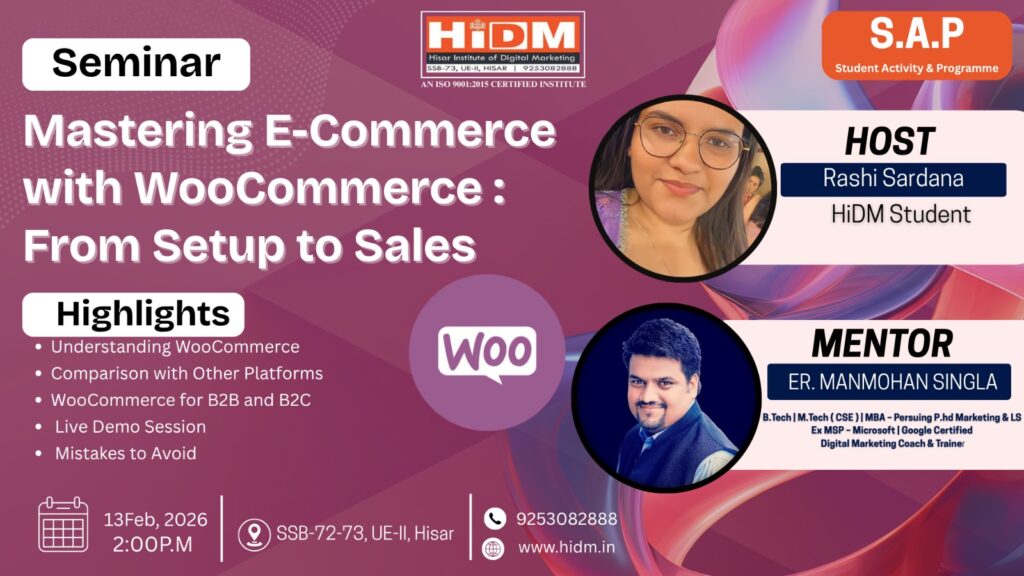
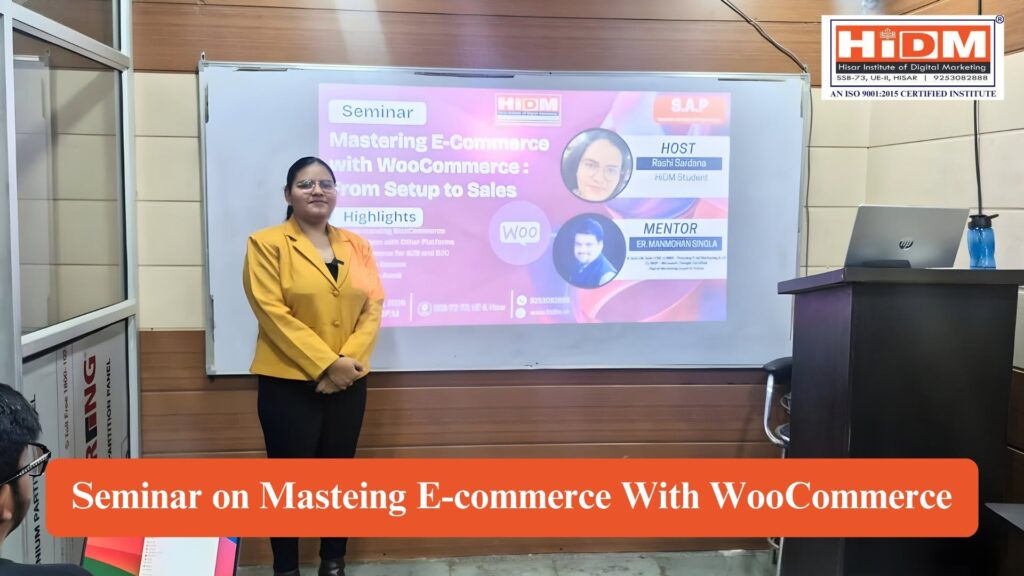
Promotional seminar poster by HiDM (Hisar Institute of Digital Marketing) for the SAP (Student Activity & Programme) session titled "Mastering E-Commerce with WooCommerce: From Setup to Sales." The poster features host Rashi Sardana, mentor Er. Manmohan Singla, WooCommerce branding, seminar highlights including WooCommerce basics, platform comparison, B2B and B2C usage, live demo, and common mistakes to avoid. The event is scheduled for 13 February 2026 at 2:00 PM in Hisar with HiDM contact details and website.

About the seminar 

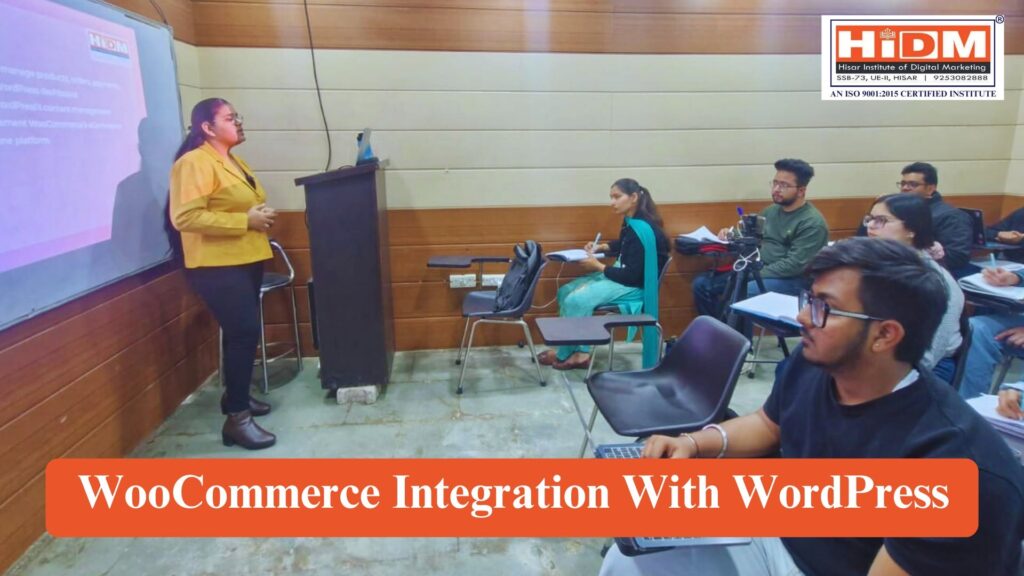
HiDM (Hisar Institute of Digital Marketing) successfully organized an educational seminar on “Mastering E-Commerce with WooCommerce: From Setup to Sales,” presented by Rashi Sardana, HiDM Student. During the session, participants were introduced to the fundamentals of building an online store using WooCommerce and learned how to set up, customize, and manage an e-commerce website efficiently. Furthermore, the seminar provided practical insights into creating a seamless online shopping experience, making the learning session both interactive and informative.

In addition, students explored key WooCommerce features, including product management, payment gateway integration, shipping configuration, order management, and store customization. They also learned effective strategies for optimizing online stores, improving customer experience, and increasing sales through digital marketing techniques. Moreover, the seminar highlighted real-world applications of WooCommerce for businesses of all sizes, demonstrating how entrepreneurs can successfully launch and grow their online stores. As a result, participants gained valuable knowledge and practical skills to confidently build, manage, and scale their own e-commerce businesses.

About the Speaker 

Rashi Sardana  

Digital Marketing Student
HiDM – Hisar Institute of Digital Marketing

Rashi Sardana conducted this seminar to help the students understand the fundamentals of building an online store using WooCommerce and learned how to set up, customize, and manage an e-commerce website efficiently.

Seminar Highlights

  • Introduction
  • History
  • WooCommerce Market Scope  
  • Platform Segments & Audience  
  • Key Stats  
  • Getting Your Store Online
  • Tools & Best Practices
  • Common Mistakes To Avoid

What is WooCommerce?

WooCommerce is a free, open-source eCommerce plugin designed for WordPress. It transforms a standard WordPress website into a fully functional online store, allowing businesses to sell physical products, digital downloads, subscriptions, and services. With its wide range of extensions and themes, WooCommerce gives store owners the flexibility to customize their sites according to their brand identity and business needs.

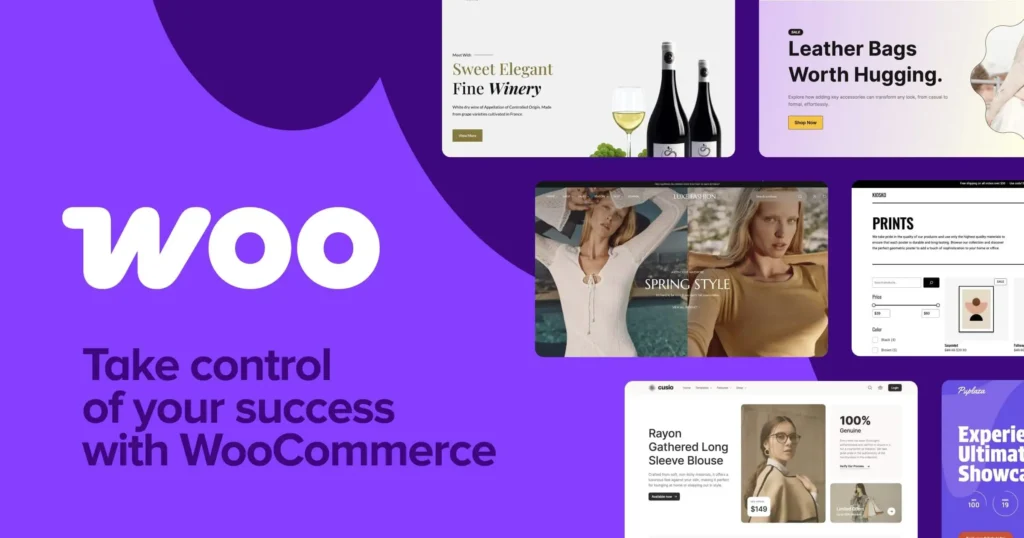
A promotional WooCommerce banner with a purple gradient background featuring the WooCommerce logo and the tagline "Take control of your success with WooCommerce." The design showcases multiple modern e-commerce website templates for industries including fashion, wine, accessories, and home décor, highlighting the platform's flexibility for building professional online stores.

Why Choose WooCommerce Over Other Platforms?

  • Seamless Integration with WordPress
  • Large Community & Support
  • Cost-Effective
  • Flexibility & Customisation
  • Scalability

HISTORY

  • 2011 – WooCommerce was started by WooThemes as a plugin for WordPress to make online selling easy.
  • Because it was free and open-source, many businesses started using it.
  • 2015 – The company Automattic (owner of WordPress.com) bought WooCommerce.
  • After this, WooCommerce became more powerful and worked even better with WordPress.
  • Today, WooCommerce is one of the top eCommerce platforms, used by millions of online shops.

INTEGRATION WITH WORDPRESS

WooCommerce was designed specifically to integrate seamlessly with WordPress. Since both platforms share the same open-source foundation, the plugin works naturally within the WordPress environment.

  • User-Friendly Setup – WooCommerce installs like any other WordPress plugin, making it accessible to beginners.
  • Theme Compatibility – It works with most WordPress themes, with many themes built specifically to enhance WooCommerce functionality.
  • Unified Dashboard – Store owners can manage products, orders, payments, and website content from the same WordPress dashboard.
  • Content & Commerce Combined – WordPress’s content management strengths (blogs, SEO, pages) complement WooCommerce’s eCommerce features, creating a powerful all-in-one platform.
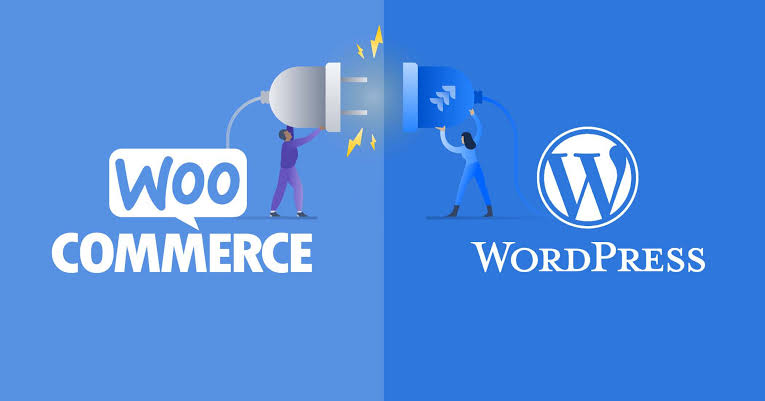
An illustration showing the integration between WooCommerce and WordPress using a plug-and-socket graphic. The WooCommerce logo appears on the left, the WordPress logo on the right, and two characters connect the plug to symbolize seamless compatibility for building e-commerce websites.

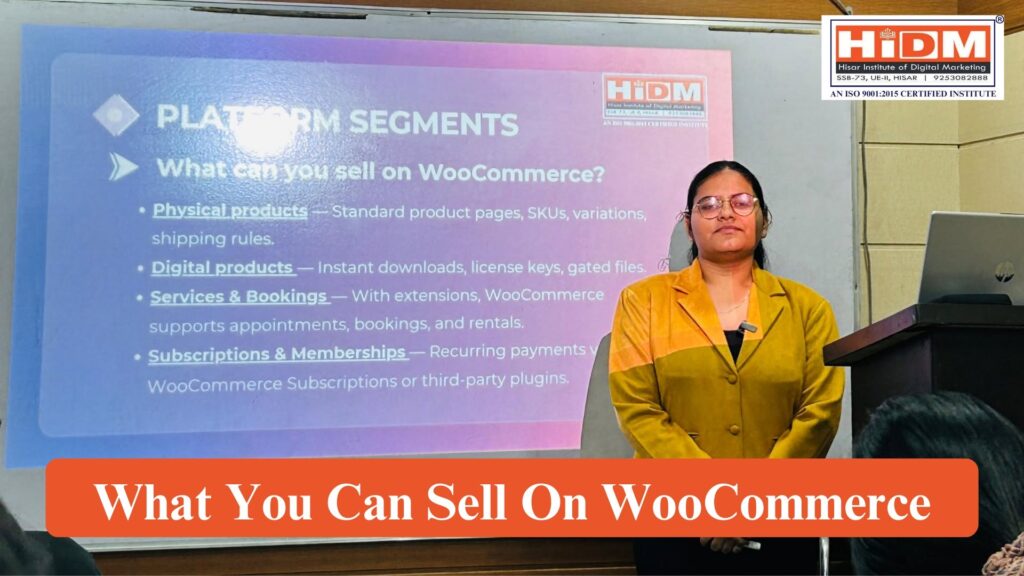
What can you sell on WooCommerce?

  • Physical products — Standard product pages, SKUs, variations, shipping rules.
  • Digital products — Instant downloads, license keys, gated files.
  • Services & Bookings — With extensions, WooCommerce supports appointments, bookings, and rentals.
  • Subscriptions & Memberships — Recurring payments via WooCommerce Subscriptions or third-party plugins.

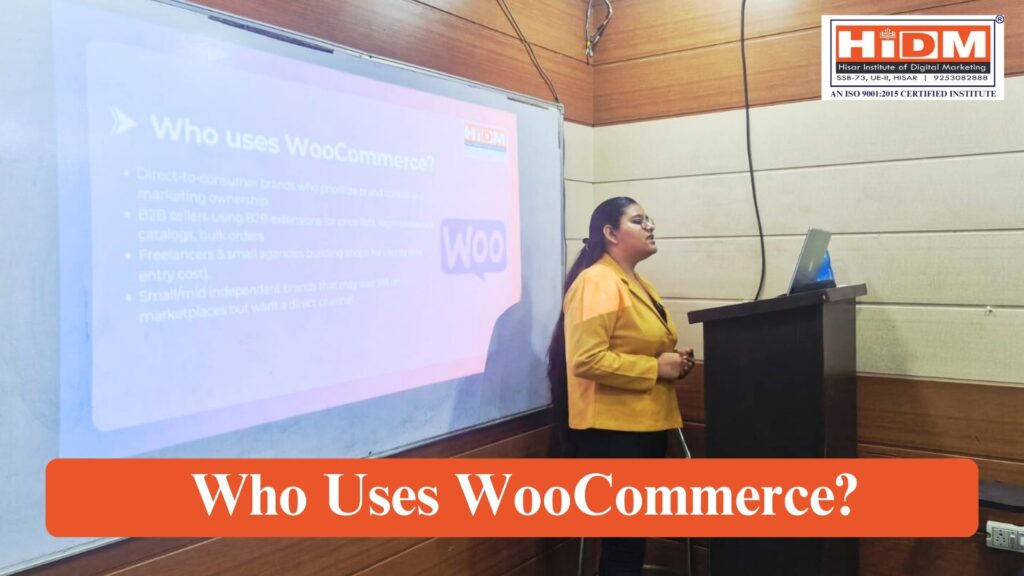
Who uses WooCommerce?

  • Direct-to-consumer brands who prioritize brand control and marketing ownership.
  • B2B sellers using B2B extensions for price lists, login-protected catalogs, bulk orders.
  • Freelancers & small agencies building shops for clients (low entry cost).
  • Small/mid independent brands that may also sell on marketplaces but want a direct channel.

Tools & Best Practices

Plugins / Tools

  • SEO: e.g. Yoast SEO, Rank Math — for titles, meta descriptions, schema etc.
  • Cart Recovery / Abandoned Cart: plugins for reminding customers (email, SMS) of abandoned carts.
  • Analytics: Google Analytics / GA4, WooCommerce built-in reports, plugins for more insights.
  • Other tools:

 Canva (for designing graphics/images)

ChatGPT (for content generation: product descriptions, blog content,

  • customer support templates)
  • Meta Pixel / Facebook Pixel (for ad tracking, remarketing)

India: Marketplaces vs Independent Stores

Marketplaces (Flipkart / Meesho):

  1. Provide an established customer base for sellers.
  2. Sellers can increase volume sales and reach by listing here.
  3. Limited control for sellers — pricing, branding, and customer data largely managed by the marketplace.

Independent Stores (WooCommerce / Shopify):

  • Direct-to-consumer channels where sellers manage their own stores.
  • Sellers have full control over branding, pricing, and customer relationships.
  • Revenue goes directly to the store owner; easier to build repeat customers and loyalty.

Hybrid Strategy (WooCommerce Relevance):

  • Many Indian sellers adopt a combined approach:
    • Marketplaces → for volume and reach
    • WooCommerce → for owned commerce, customer retention, repeat sales, and brand building
  • WooCommerce helps sellers maintain independence and maximize long-term customer value.
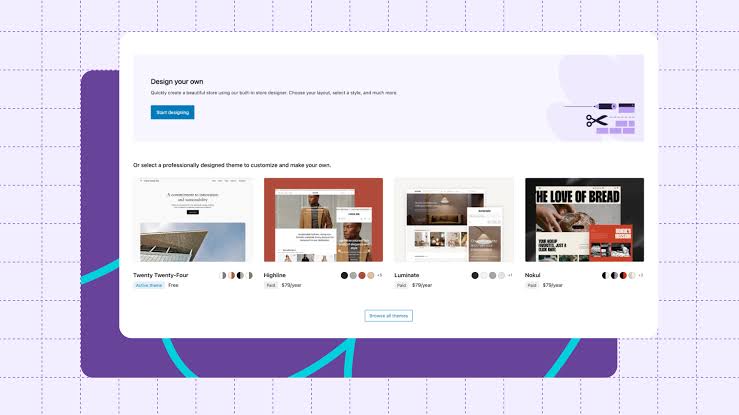
A WooCommerce interface displaying the theme selection and customization screen. The page features a "Design your own" option alongside professionally designed website templates, allowing users to choose, customize, and launch an online store using WooCommerce and WordPress.

Getting your store online

1. Choose hosting & Domain

Domain: pick a short, brandable domain; prefer .com / .in depending on target market. Register with reputable registrars (Namecheap, GoDaddy, Google Domains, etc.)

Hosting types:

  • Shared hosting — cheapest; OK for small stores but watch performance.
  • Managed WordPress hosting (recommended for stores): faster, automatic backups, tighter WP security (examples: WP Engine, Kinsta, SiteGround, Bluehost).
  • VPS / Cloud / Dedicated — for large stores with custom infra (AWS, DigitalOcean, Google Cloud).
  • Performance & security basics: SSL (Let’s Encrypt), caching, CDN, daily backups, staging environment.
  1. Install WordPress
  2. Basic Setup
  3. Install WooCommerce
  4. Choose a Theme 
  5. Add Products
  6. Set Up Payments
  7. Configure Shipping & Tax
  8. Install Essential Plugins
  9. Test Checkout & Emails
  10. Pre-Launch Checklist

3. Process Of Product Listing

  1. Log in to WordPress Dashboard 
  2. Navigate to WooCommerce Products
  3. Enter product Title & Description
  4. Choose Product Data Type
  5. Configure Product Data (WooCommerce)
  6. Add Short Description
  7. Add product Categories & Tgs
  8. Add product Images & Gallery
  9. Publish Product

Do’s & Don’ts

Do’s:

  • Clear return, refund, privacy policy pages.
  • Terms & conditions.
  • Disclosures (if running affiliate, commissions etc).
  • Secure your store — SSL, backups, up-to-date WP, themes, plugins.
  • Transparent pricing (shipping, taxes) so customers are not surprised at checkout.

Don’ts:

    • Don’t sell illegal / restricted items.
    • Don’t copy product descriptions (plagiarism, copyright issues).
    • Don’t ignore mobile-optimization.
    • Don’t neglect customer support.

Common Mistakes To Avoid

  • Store loads slowly because of unoptimized images / heavy theme / lots of plugins.
  • Not mobile responsive design → many customers abandon on mobile.
  • No backups or disaster recovery plan.
  • Poor product information / no good images → low trust.
  • No clear policies → customer dissatisfaction, chargebacks.
  • Ignoring analytics / feedback → no iteration.

Conclusion 

The “Mastering E-Commerce with WooCommerce: From Setup to Sales” seminar gave participants practical knowledge of WooCommerce, platform comparisons, B2B and B2C applications, live store setup, and common mistakes to avoid. The session helped students build a strong foundation for creating and managing successful e-commerce websites using WordPress and WooCommerce.

HiDM Conducts Practical Learning Sessions Beyond the Classroom

Learning at HiDM goes beyond theory. Instead, students regularly participate in seminars, workshops, and live demonstrations that provide practical exposure to modern digital marketing tools and technologies. As a result, they gain real-world experience and develop industry-relevant skills alongside their classroom learning.

Ready to start your digital marketing journey?

Enroll in HiDM’s Digital Marketing Course and learn from industry experts through live projects, workshops, and career-focused training.