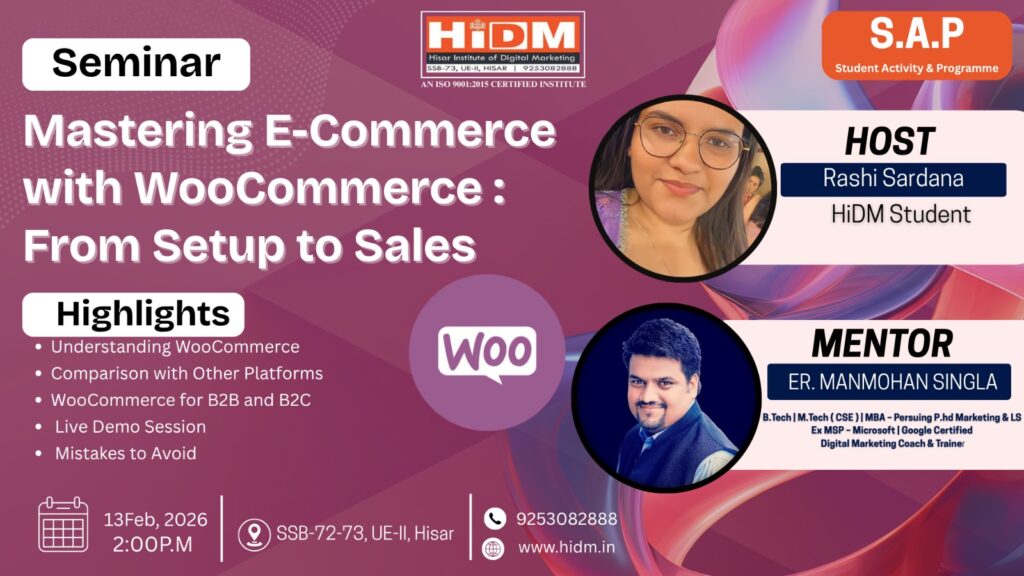
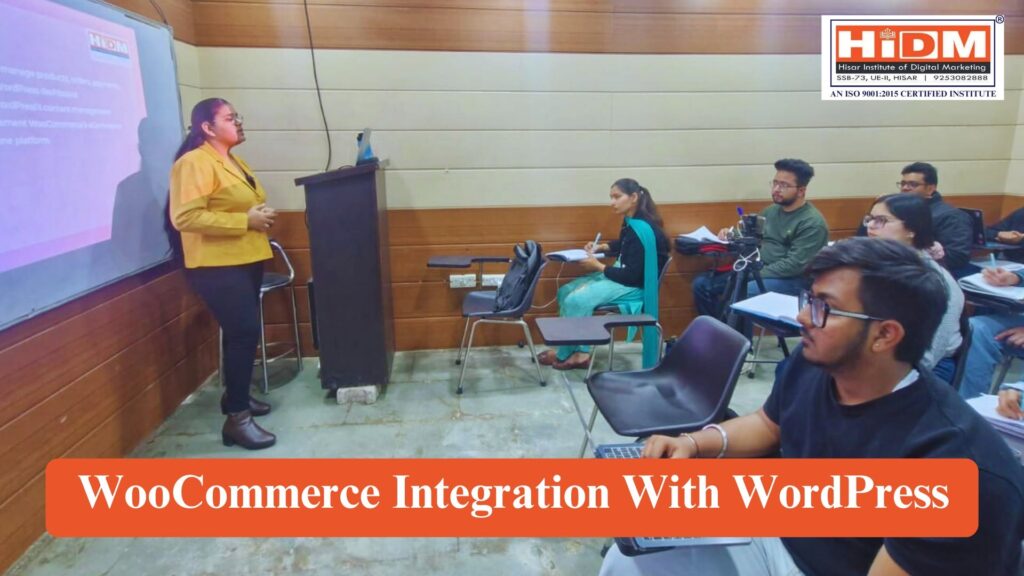
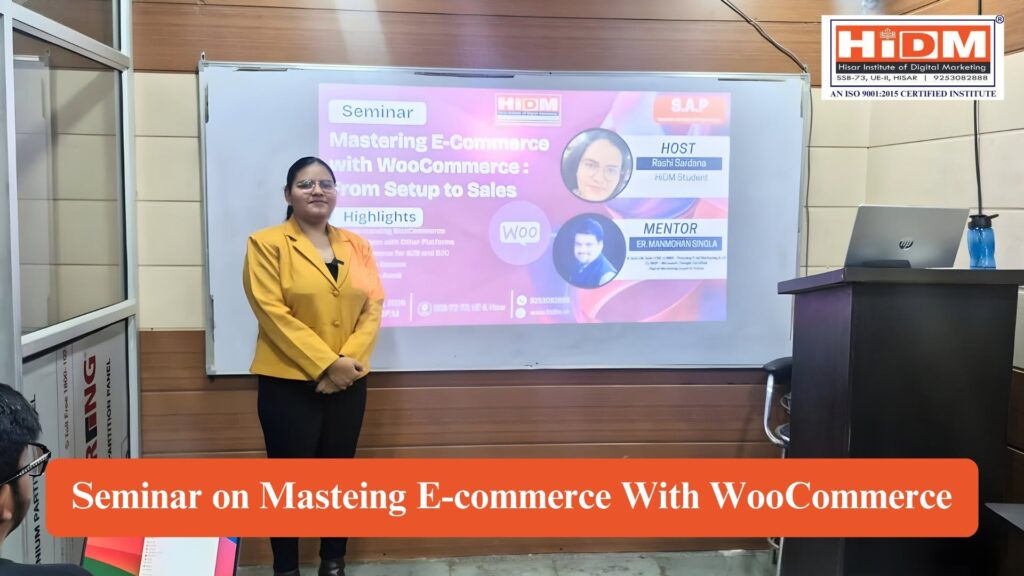
HiDM (Hisar Institute of Digital Marketing) successfully organized an educational seminar on “Mastering E-Commerce with WooCommerce: From Setup to Sales,” presented by Rashi Sardana, HiDM Student. During the session, participants were introduced to the fundamentals of building an online store using WooCommerce and learned how to set up, customize, and manage an e-commerce website efficiently. Furthermore, the seminar provided practical insights into creating a seamless online shopping experience, making the learning session both interactive and informative.
In addition, students explored key WooCommerce features, including product management, payment gateway integration, shipping configuration, order management, and store customization. They also learned effective strategies for optimizing online stores, improving customer experience, and increasing sales through digital marketing techniques. Moreover, the seminar highlighted real-world applications of WooCommerce for businesses of all sizes, demonstrating how entrepreneurs can successfully launch and grow their online stores. As a result, participants gained valuable knowledge and practical skills to confidently build, manage, and scale their own e-commerce businesses.
About the Speaker
Rashi Sardana
Digital Marketing Student HiDM – Hisar Institute of Digital Marketing
Rashi Sardana conducted this seminar to help the students understand the fundamentals of building an online store using WooCommerce and learned how to set up, customize, and manage an e-commerce website efficiently.
Seminar Highlights
Introduction
History
WooCommerce Market Scope
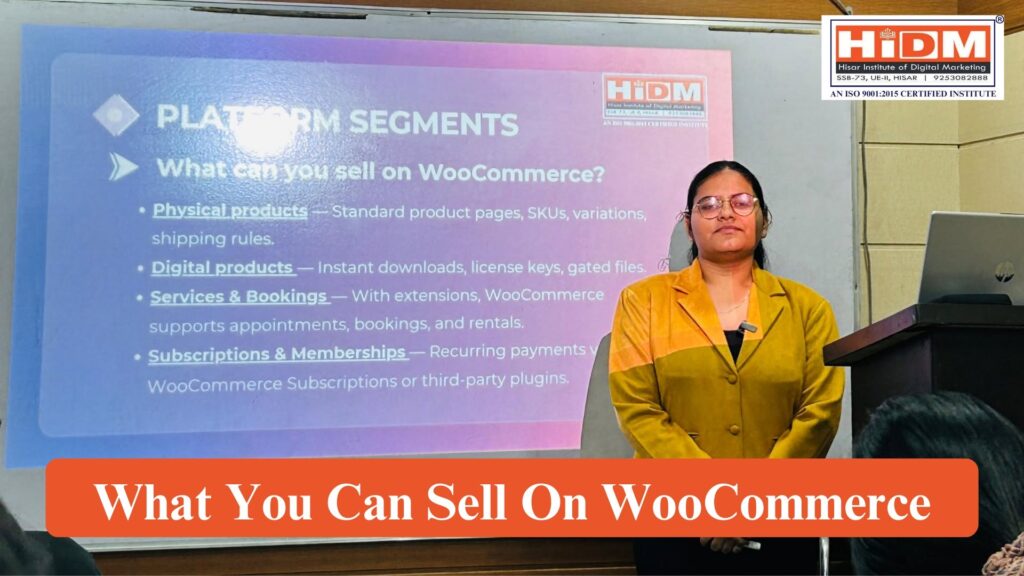
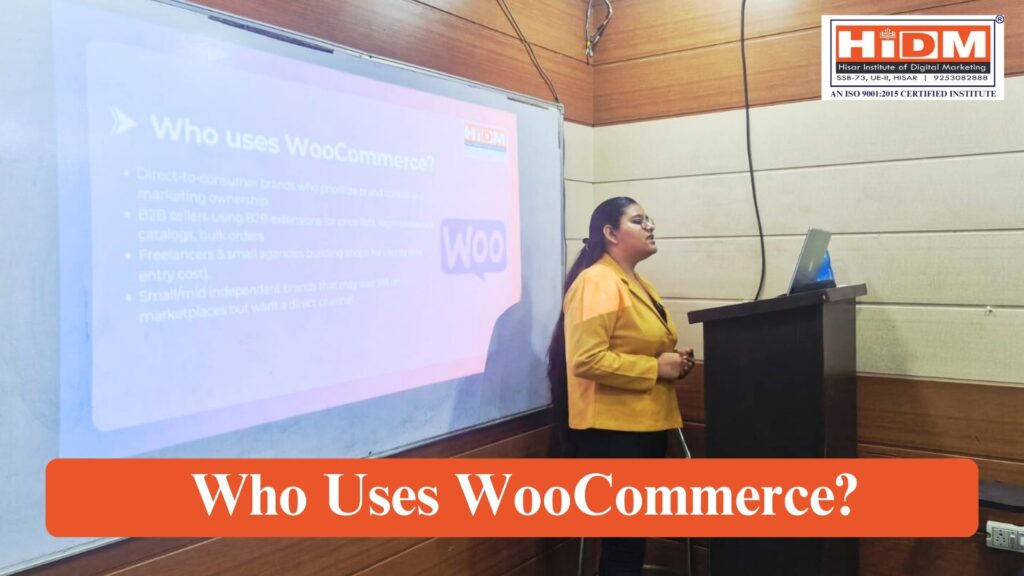
Platform Segments & Audience
Key Stats
Getting Your Store Online
Tools & Best Practices
Common Mistakes To Avoid
What is WooCommerce?
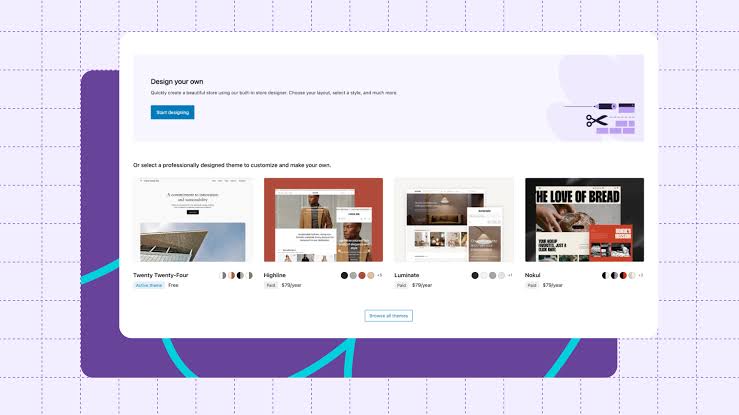
WooCommerce is a free, open-source eCommerce plugin designed for WordPress. It transforms a standard WordPress website into a fully functional online store, allowing businesses to sell physical products, digital downloads, subscriptions, and services. With its wide range of extensions and themes, WooCommerce gives store owners the flexibility to customize their sites according to their brand identity and business needs.
Why Choose WooCommerce Over Other Platforms?
Seamless Integration with WordPress
Large Community & Support
Cost-Effective
Flexibility & Customisation
Scalability
HISTORY
2011 – WooCommerce was started by WooThemes as a plugin for WordPress to make online selling easy.
Because it was free and open-source, many businesses started using it.
2015 – The company Automattic (owner of WordPress.com) bought WooCommerce.
After this, WooCommerce became more powerful and worked even better with WordPress.
Today, WooCommerce is one of the top eCommerce platforms, used by millions of online shops.
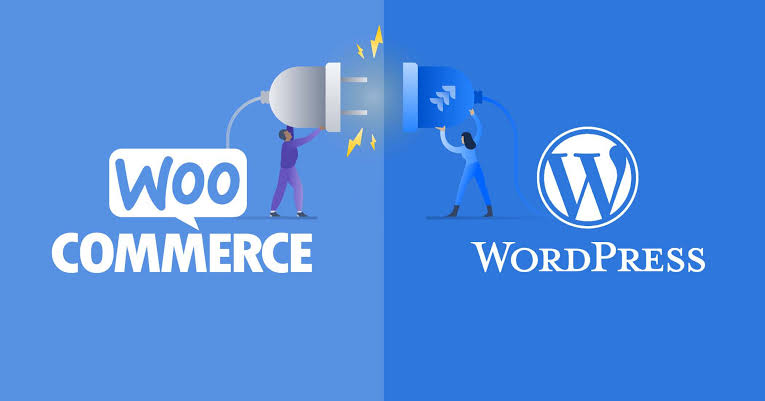
INTEGRATION WITH WORDPRESS
WooCommerce was designed specifically to integrate seamlessly with WordPress. Since both platforms share the same open-source foundation, the plugin works naturally within the WordPress environment.
User-Friendly Setup – WooCommerce installs like any other WordPress plugin, making it accessible to beginners.
Theme Compatibility – It works with most WordPress themes, with many themes built specifically to enhance WooCommerce functionality.
Unified Dashboard – Store owners can manage products, orders, payments, and website content from the same WordPress dashboard.
Store loads slowly because of unoptimized images / heavy theme / lots of plugins.
Not mobile responsive design → many customers abandon on mobile.
No backups or disaster recovery plan.
Poor product information / no good images → low trust.
No clear policies → customer dissatisfaction, chargebacks.
Ignoring analytics / feedback → no iteration.
Conclusion
The “Mastering E-Commerce with WooCommerce: From Setup to Sales” seminar gave participants practical knowledge of WooCommerce, platform comparisons, B2B and B2C applications, live store setup, and common mistakes to avoid. The session helped students build a strong foundation for creating and managing successful e-commerce websites using WordPress and WooCommerce.
HiDM Conducts Practical Learning Sessions Beyond the Classroom
Learning at HiDM goes beyond theory. Instead, students regularly participate in seminars, workshops, and live demonstrations that provide practical exposure to modern digital marketing tools and technologies. As a result, they gain real-world experience and develop industry-relevant skills alongside their classroom learning.
Ready to start your digital marketing journey?
Enroll in HiDM’s Digital Marketing Course and learn from industry experts through live projects, workshops, and career-focused training.